Server-side tracking
Server-side tracking for Shopify, sent to every ad platform from one pixel.
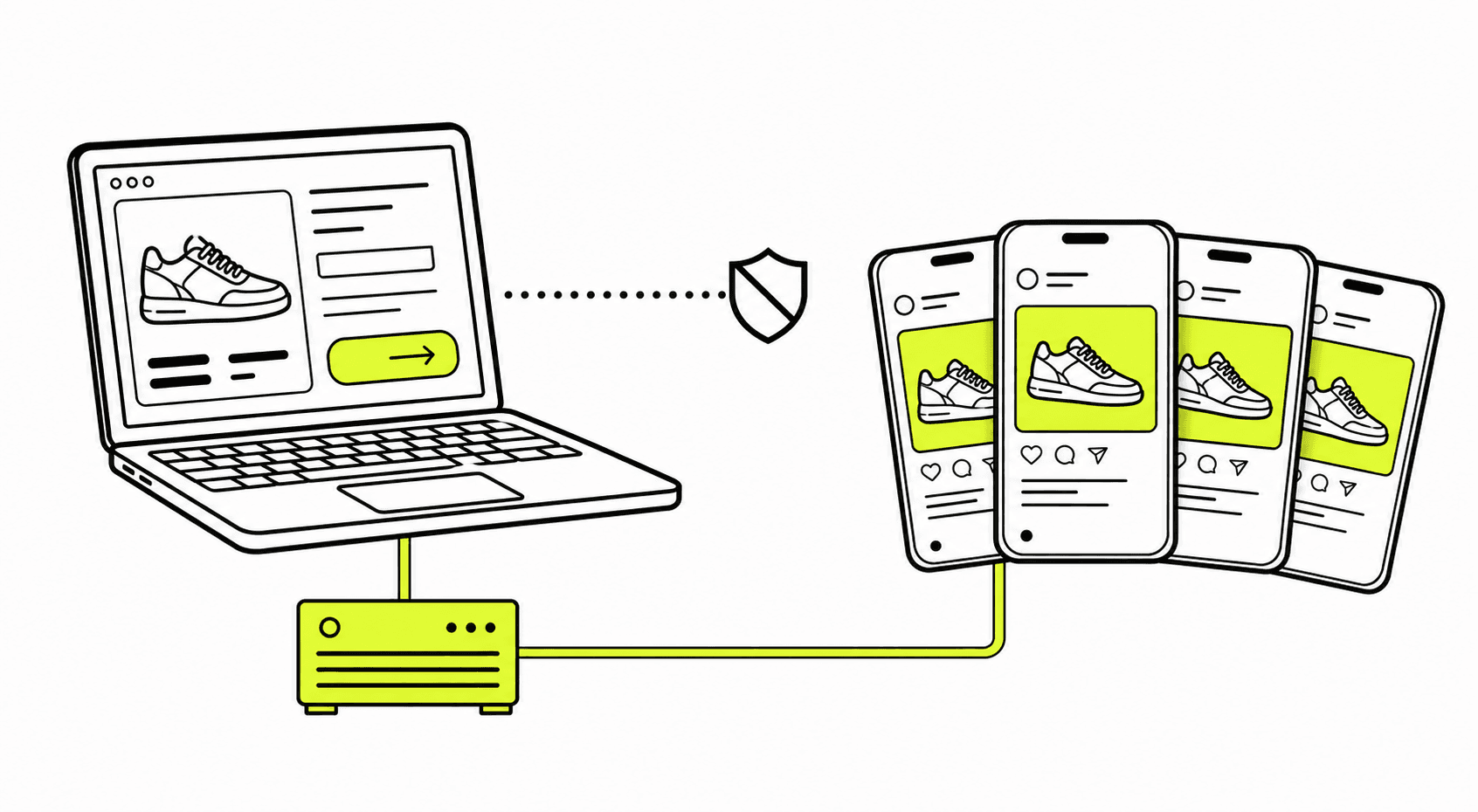
Install Zalify Pixel once and it sends your store's purchases, carts and checkouts to Meta, Google Ads, GA4, TikTok, Pinterest, Snapchat, Microsoft Ads, X, Reddit, LinkedIn and ChatGPT Ads. Purchases also go from the server, so ad blockers don't drop them, and each order is counted once. No theme code.
Capabilities
Every ad platform.
One install.
01
Purchases sent from the server
Ad blockers and browser privacy settings stop many browser pixels from firing. Zalify Pixel also sends purchases, add-to-carts and checkouts from the server, through the Conversions APIs of Meta, TikTok, Pinterest and ChatGPT Ads, so the platforms see the orders your store actually took.
How events reach each platform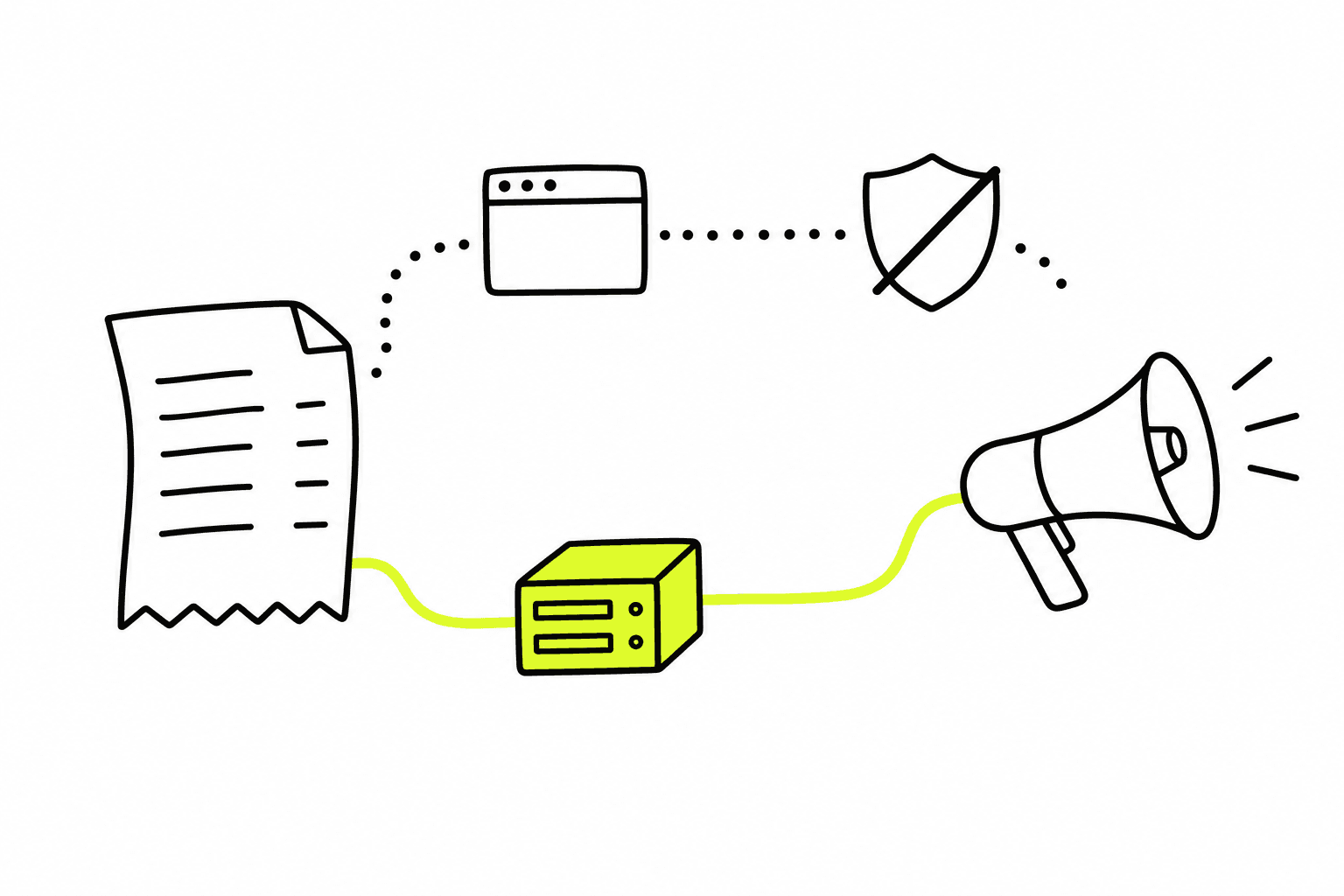
02
Set up without theme code
Paste each platform's pixel or tag ID and switch it on: Meta, Google Ads, GA4, TikTok, Pinterest, Snapchat, Microsoft Ads, X, Reddit, LinkedIn and ChatGPT Ads. No theme edits and no developer.
Install Zalify Pixel on Shopify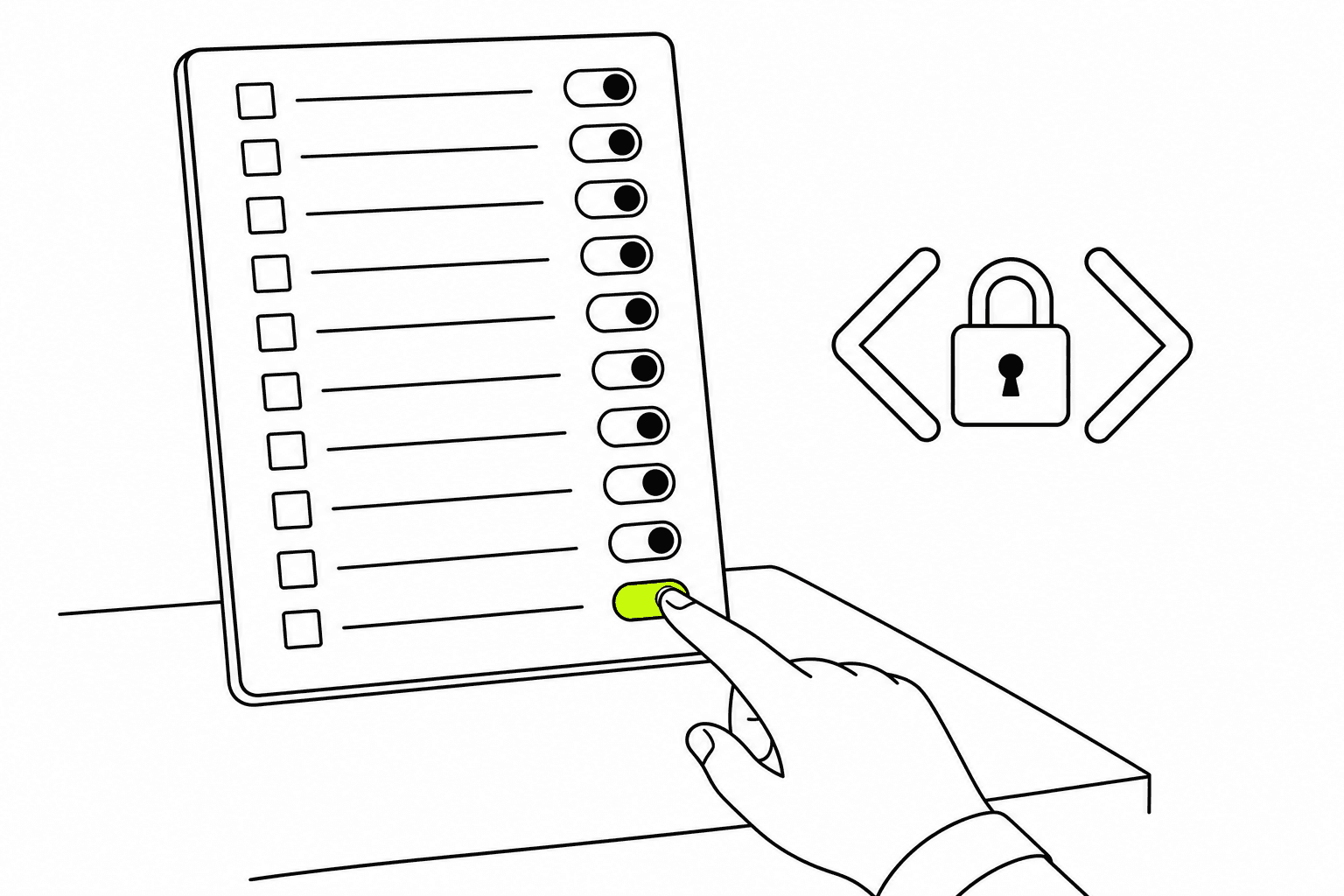
03
Store analytics on the same events
Traffic, visitors, top products and site searches come from the events Zalify Pixel already records, so you see what shoppers did before they bought, on the same data the ad platforms receive.
Store analytics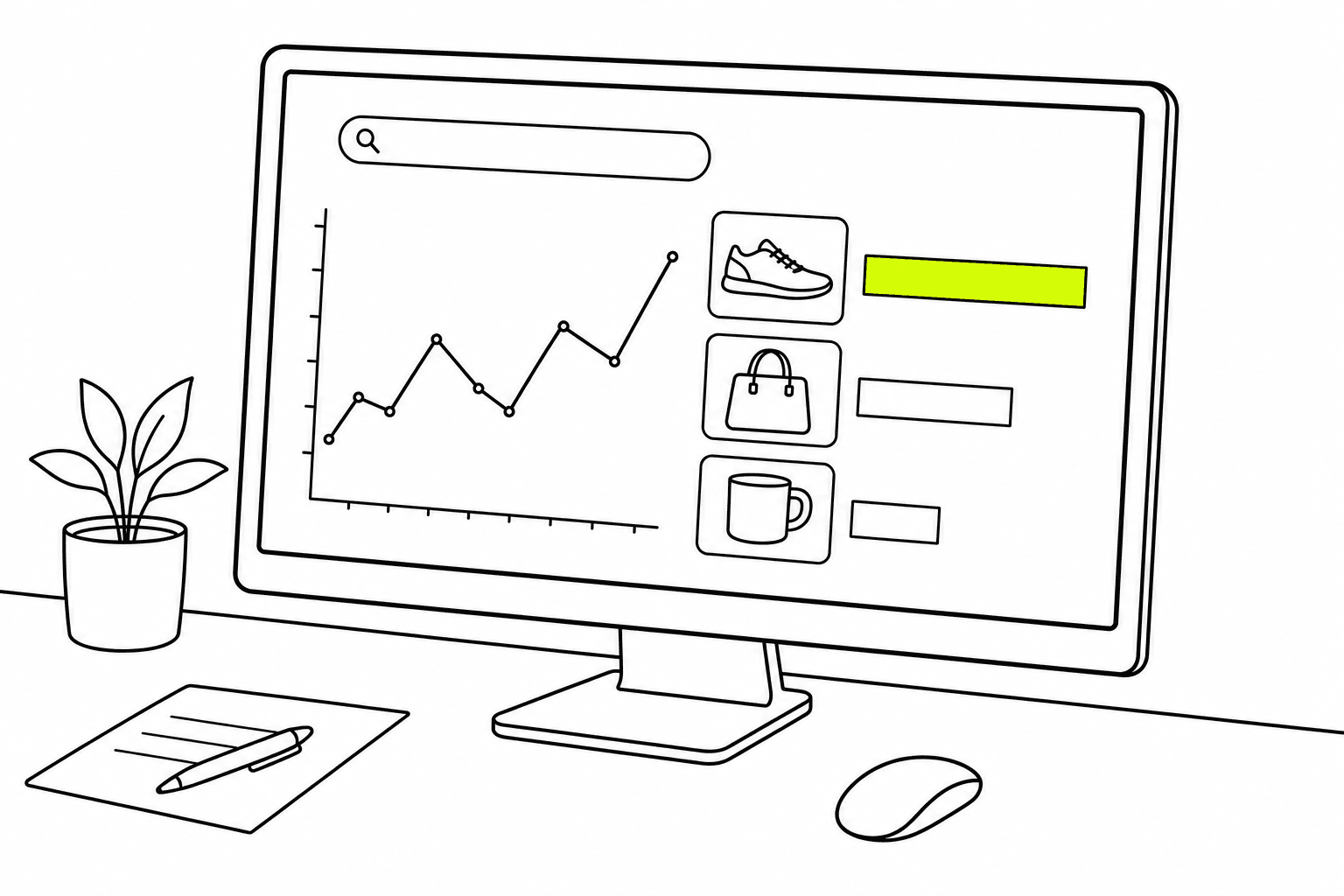
04
Each order counted once
When the browser pixel and the server both report a purchase, they carry the same event ID, so each platform keeps one. If a platform's own pixel is already on your site, Zalify Pixel skips that platform instead of sending it twice.
Test your setup in preview mode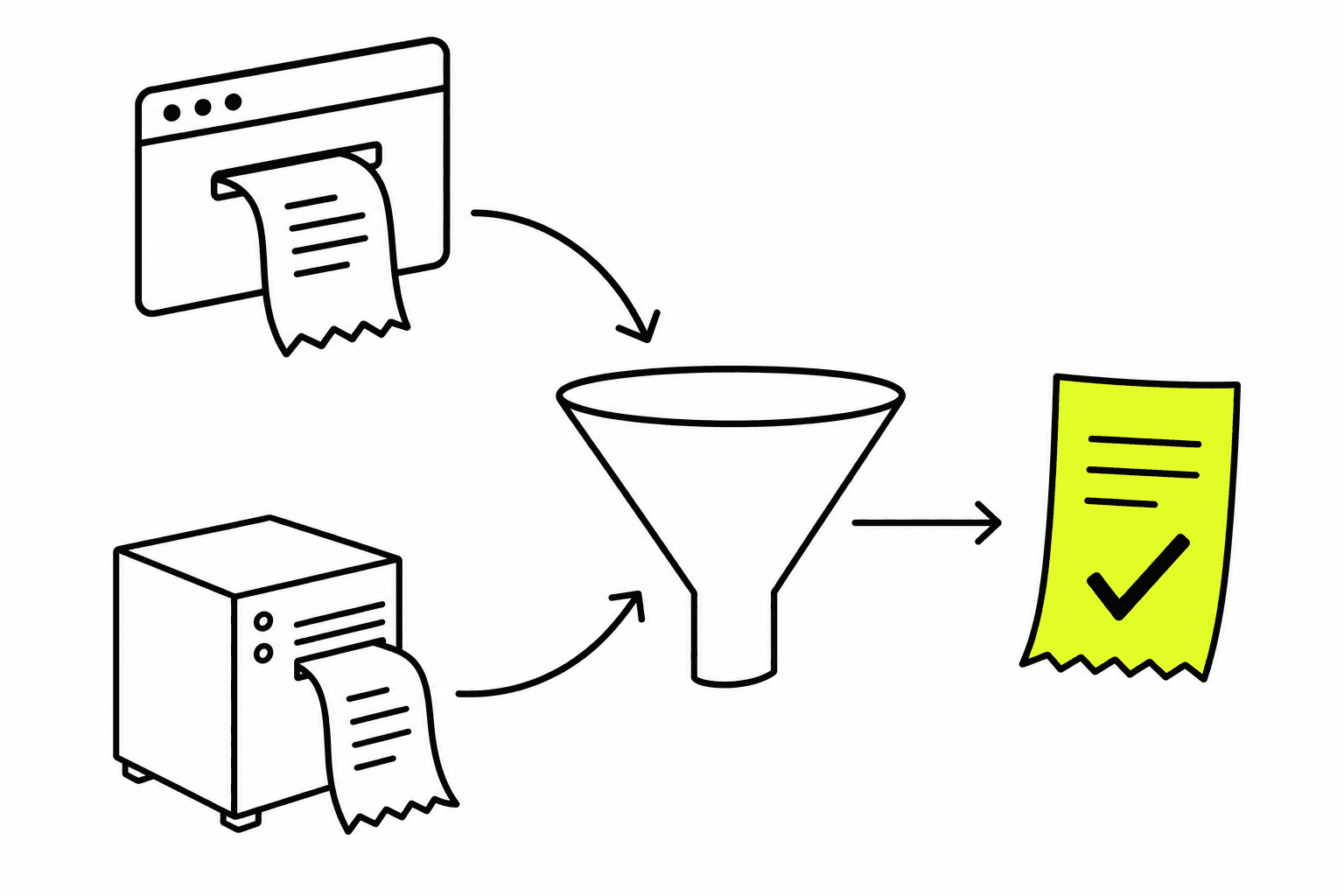
Questions, answered.
How do I track ChatGPT Ads conversions on Shopify?
Add your ChatGPT Ads Pixel ID in Zalify, plus a Conversion API access token for server-side matching. The Pixel then sends purchases and other store events to ChatGPT Ads for you, with no theme code, and those orders are attributed in the same reports as Meta, Google and TikTok. Step by step: the ChatGPT Ads guide and the setup article.
Does server-side tracking still work with ad blockers?
Yes, for purchases. Zalify Pixel sends each purchase from the server using Shopify's order record, which an ad blocker in the shopper's browser can't stop. Events that only happen in the browser, such as a page view on a browser that blocks scripts, can still be missed. See how events reach each platform.
Which ad platforms does the Zalify Pixel send conversions to?
Meta, Google Ads, GA4, TikTok, Pinterest, Snapchat, Microsoft Ads, X, Reddit, LinkedIn and ChatGPT Ads. Each one turns on when you paste its pixel or tag ID in Zalify: Meta, Google Ads, TikTok, Pinterest, Snapchat, Microsoft Ads, X, Reddit, LinkedIn and ChatGPT Ads.
Do I need to edit my Shopify theme?
No. Install the Zalify app or the Pixel script once. If a platform's own pixel is already on your site, Zalify detects it and skips that platform so conversions aren't counted twice. To clean up old snippets, see removing legacy pixel code.
Does Zalify Pixel respect cookie consent?
Yes. On Shopify it follows the store's customer privacy settings automatically; on any other site, one API call holds tracking until the visitor agrees. See configuring consent for GDPR and CCPA.
How is it different from Shopify's own Meta and Google apps?
Each of those apps covers one platform. Zalify Pixel sends the same events to 11 platforms from one install, counts each order once across browser and server, and keeps the events for Zalify Attribution, so the orders the platforms see match the orders in your reports.
What does it cost?
Recording events is free on every plan. Zalify Pixel comes with every plan, from Starter at US$29/month with a 3-day free trial. Starter sends purchases to one ad platform, Growth to three and Scale to all 11. See pricing.
See every order your ad platforms are missing.
Install Zalify on your Shopify store and send your first server-side purchase the same day, with a 3-day free trial.