Zalify Theme
A Shopify theme built to turn browsing into orders.
Zalify Theme is our Shopify theme, built around the moments that decide a sale: shoppable short videos, product pages that show the exact color a shopper picks, and a cart that lifts order value. It comes with every Zalify plan.

Capabilities
Built for the moments
that decide a sale.
01
Every planShoppable short videos
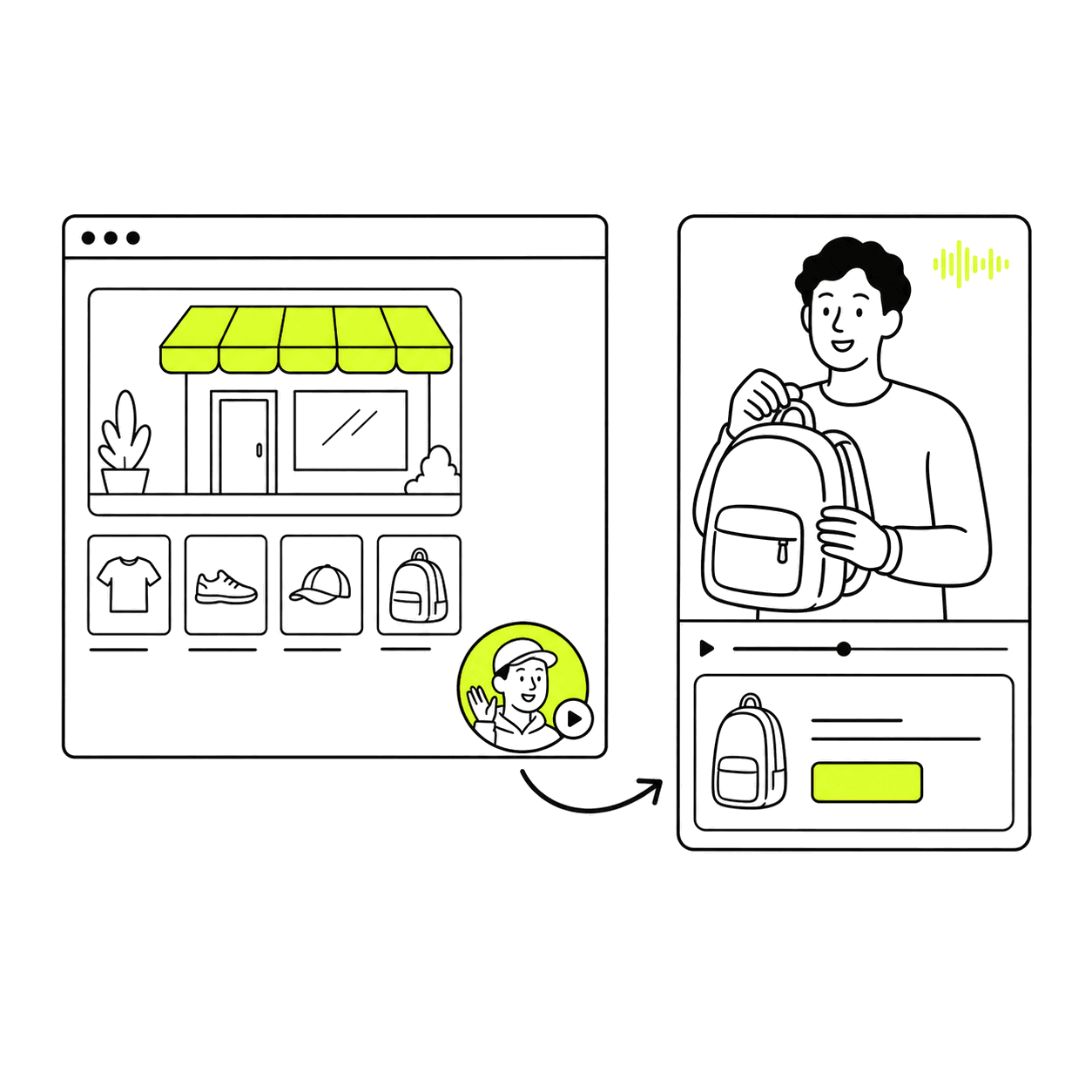
A video bubble loops a few silent seconds in the corner of the page and opens into a full player with sound, with the product beside it. A video carousel does the same for a row of clips, so shoppers watch and buy without leaving the page.
02
Product pages that sell by color
Each color shows its own photos, picked with image swatches, so shoppers see the exact backpack they're choosing. Size guides, stock notices, pre-orders and products bought together sit on the same page.
How photos are grouped by color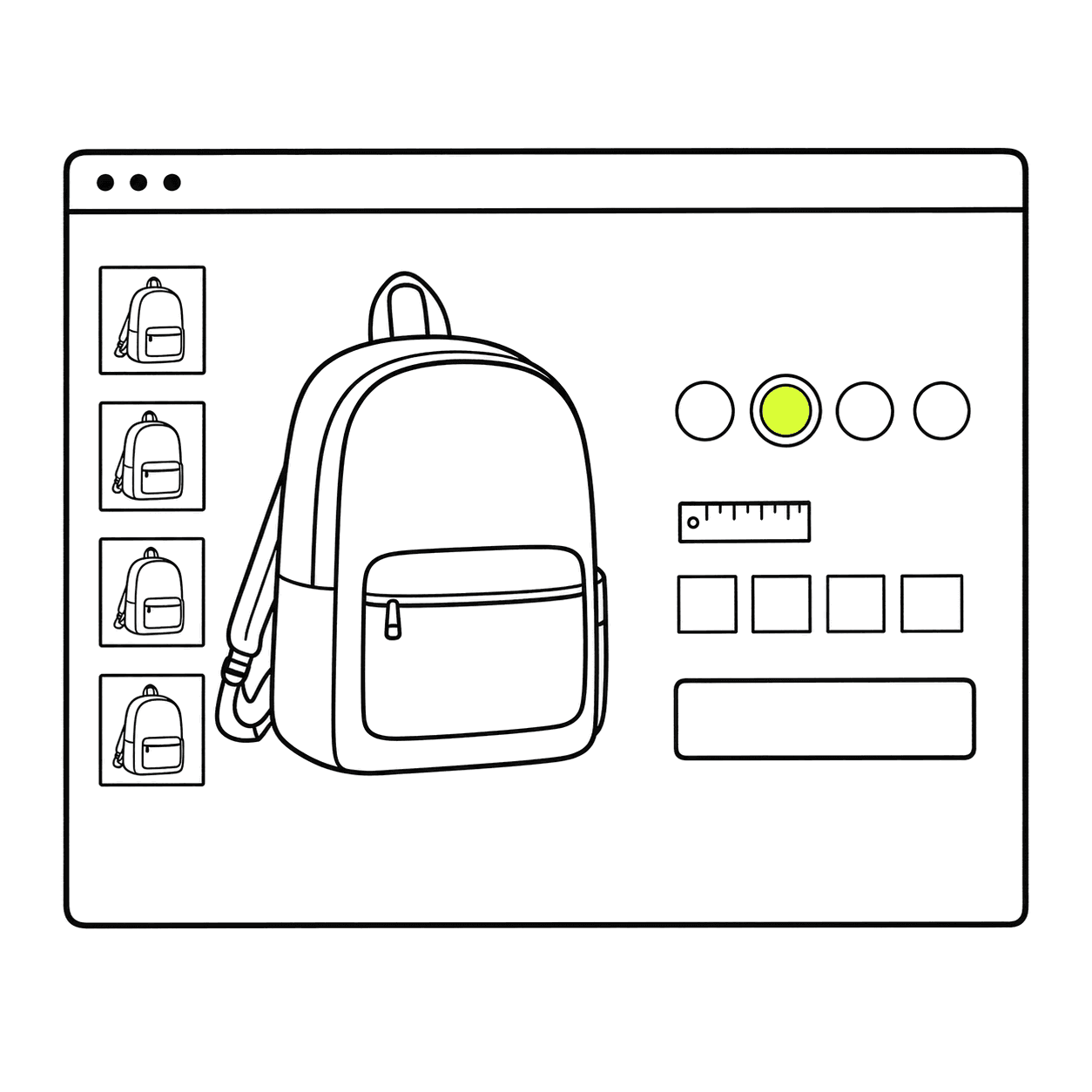
03
A cart that raises order value
The cart drawer shows how far a shopper is from free shipping, adds a free gift once the cart passes an amount you set, and takes discount codes and shipping estimates before checkout.
The cart section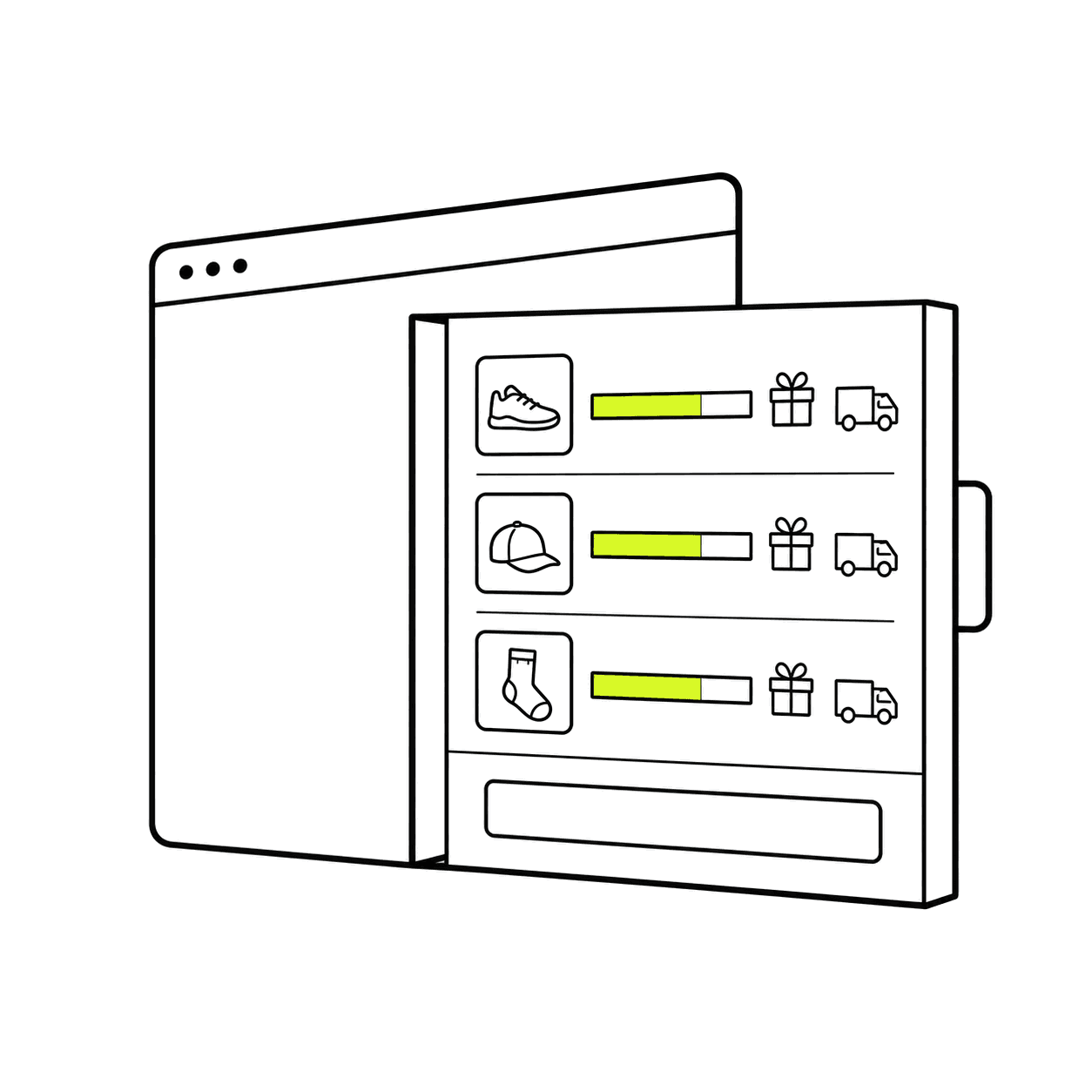
04
Shop the look and stories
Tag the products in a lifestyle photo so each one can be bought from the picture, and show collections or campaigns as tappable stories, the way shoppers browse on social apps.
The stories section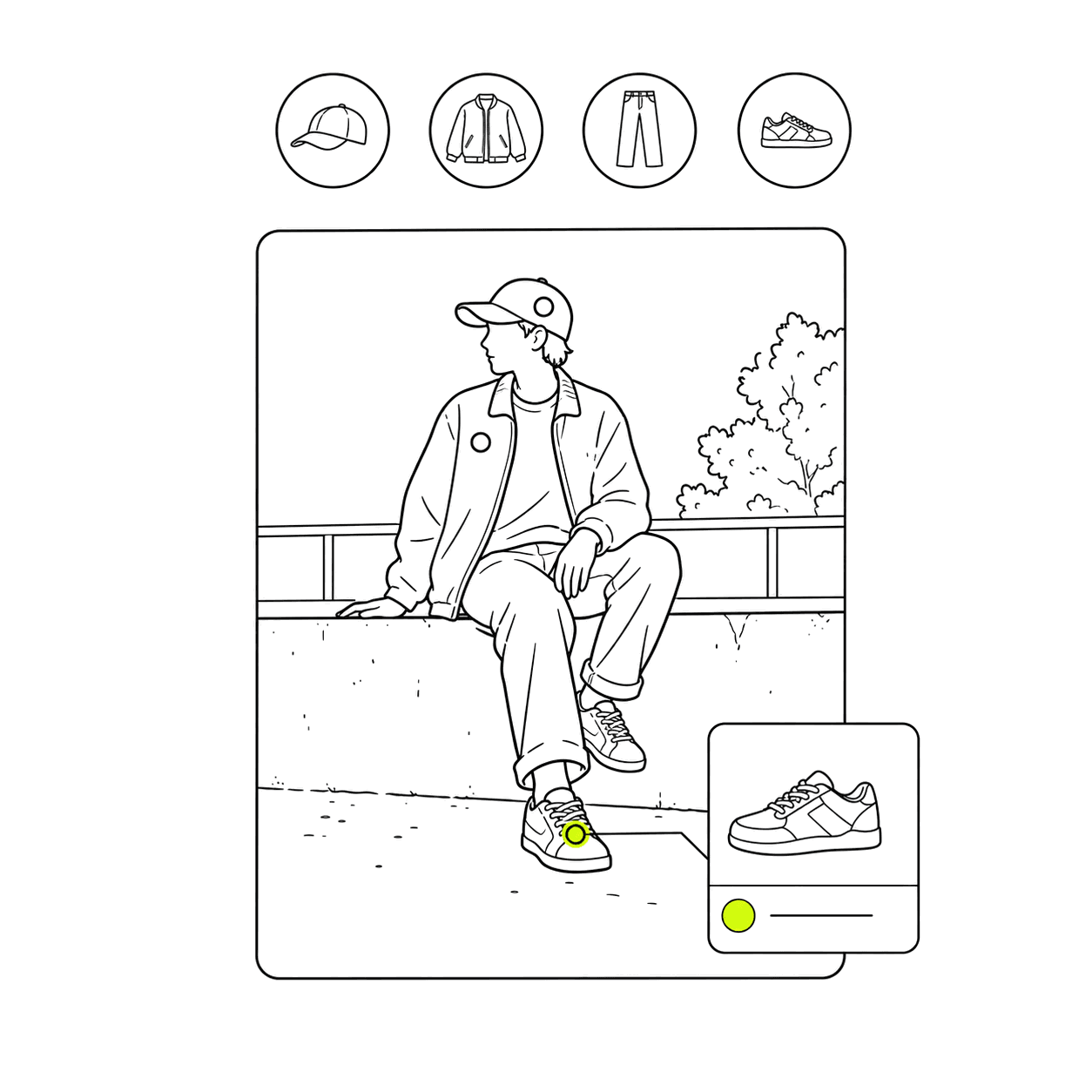
05
Fast, and edited in the Shopify theme editor
Each page loads only the small scripts it needs, with no jQuery, and images are sized to the screen. You arrange sections and blocks in the Shopify theme editor, and set color schemes, typography and product cards once.
How Zalify Theme is built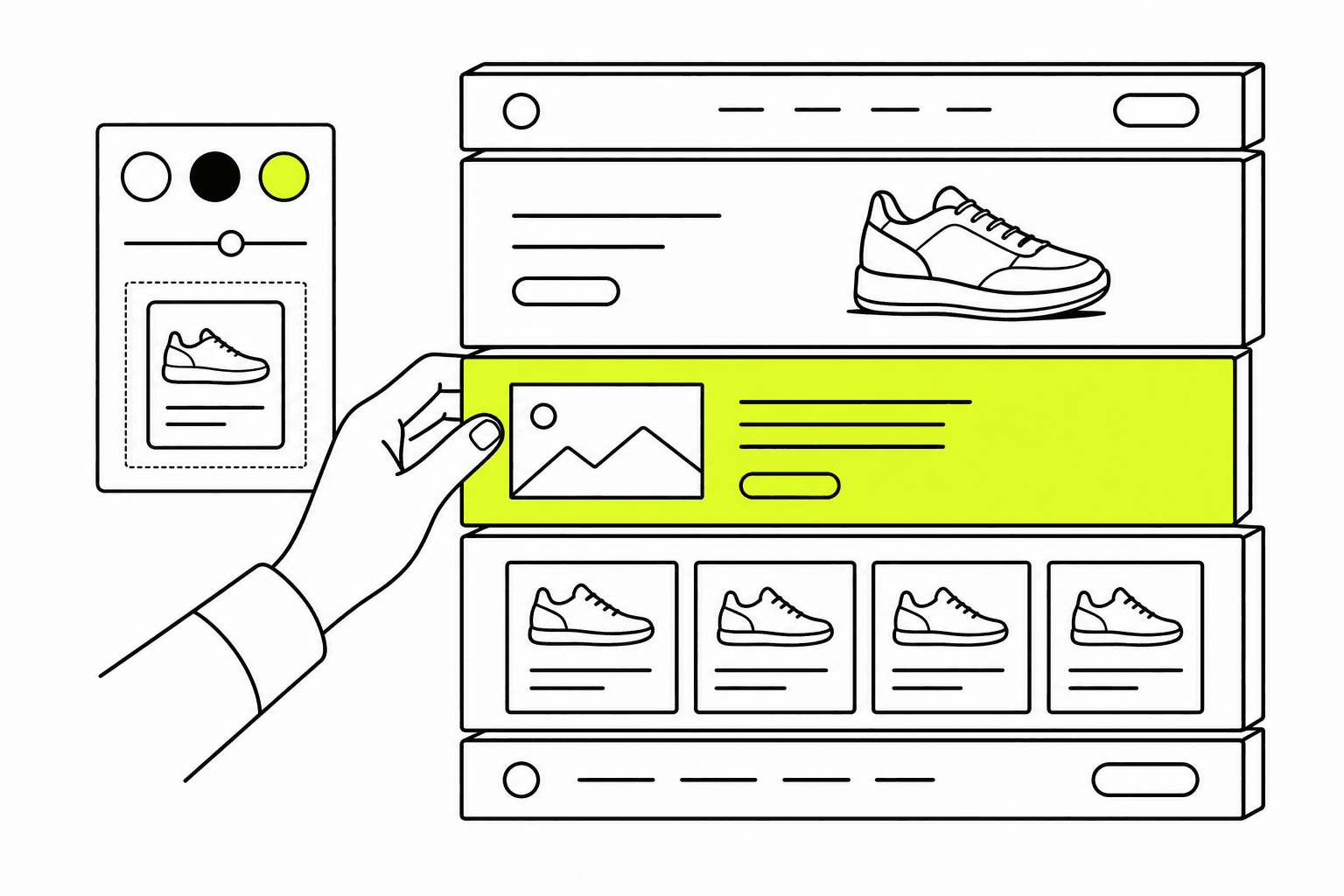
Questions, answered.
How is Zalify Theme different from a free Shopify theme?
It's built for conversion. Shoppable short videos, product photos grouped by color, a cart with free-shipping progress and free gifts, shop-the-look photos and stories all come in the theme, where a free theme often needs separate apps for them.
How do I get Zalify Theme?
It comes with every Zalify plan and isn't sold in the Shopify Theme Store. Install the Zalify app for Shopify, then start from Websites in Zalify. If your store doesn't have Shopify's free Horizon theme yet, Zalify asks you to add it first.
Will it change my live store?
No. Zalify Theme is added as a new, unpublished theme. Preview it with your own products, then publish it from your Shopify admin when you're ready.
How do updates work?
When a new version is out, you start the update in Zalify. We create a new unpublished copy that keeps your theme settings, templates and the files you added, and you publish it after a preview.
What does it cost?
Zalify Theme comes with every plan, from Starter at US$29/month. See pricing.
Can your team customize it?
Yes. For a custom design or a migration, our team builds stores on Zalify Theme or on Zalify Headless.
A theme built to sell.
Install Zalify and add Zalify Theme to your store as an unpublished theme to preview.