July 9, 2026
/
3 min read
Behind Zalify’s redesign: rebuilding the platform
A look at the work behind Zalify’s redesign: a new analytics pipeline, updated audience tools, shared design assets, and AI-assisted marketing workflows.
Zalify's new website is the most visible part of a larger project. Over ten months, we rebuilt the systems behind analytics, customer audiences, design, and AI-assisted workflows.
The goal was to make these parts work together more effectively, so teams could spend less time moving data between tools and more time acting on it.
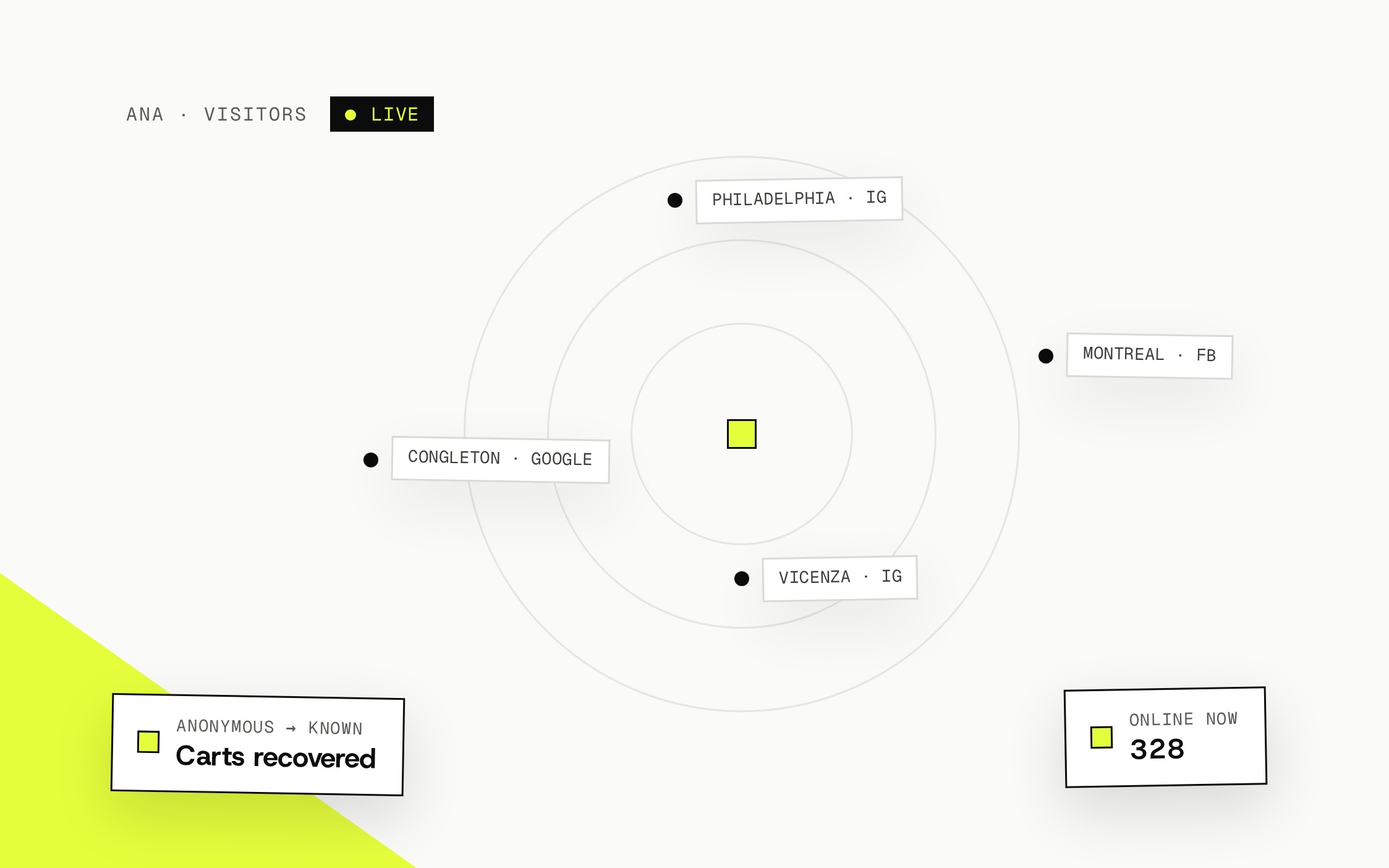
Ana: a new foundation for analytics
As stores grew, seasonal traffic placed more pressure on the original data pipeline. We rebuilt it to handle larger event volumes more efficiently and make visits, sessions, and orders easier to analyze together.
The updated collection system combines first-party events, identity matching, and deduplication. These help connect activity across sessions when matching identifiers are available and reduce duplicate records. Data coverage still depends on consent, browser settings, and the information available; no tracking system sees every customer action.
For merchants, the practical benefit is a clearer view of the activity Ana records, with less manual reconciliation between reports.
Reach: connect audiences with follow-up
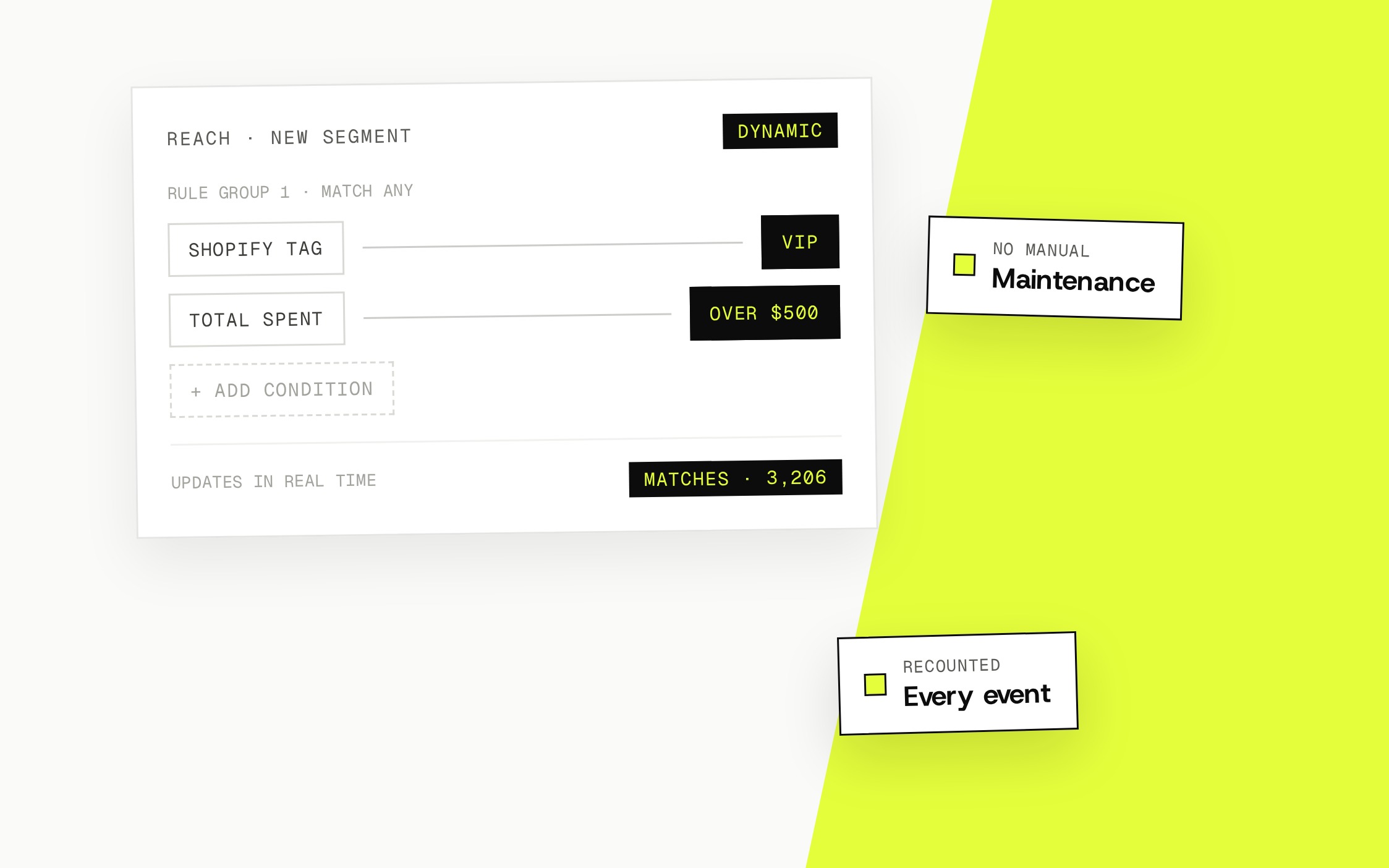
Reach brings lists, segments, broadcasts, and automated flows into the same workflow. You can build an audience from customer properties and recorded behavior, review its members, and use it for relevant follow-up.
Customer activity appears on an individual timeline, making it easier to understand what a person viewed, what messages they received, and what happened next. Automations follow their configured triggers, conditions, and delays; segment membership alone does not mean an immediate send.
The sending workflow also includes domain verification, subscription checks, and suppression handling. These support responsible sending, but inbox placement still depends on sender reputation, audience quality, and mailbox-provider decisions. For a practical setup and sending checklist, see How to reduce spam placement with Reach.
Z1: reuse your brand across designs
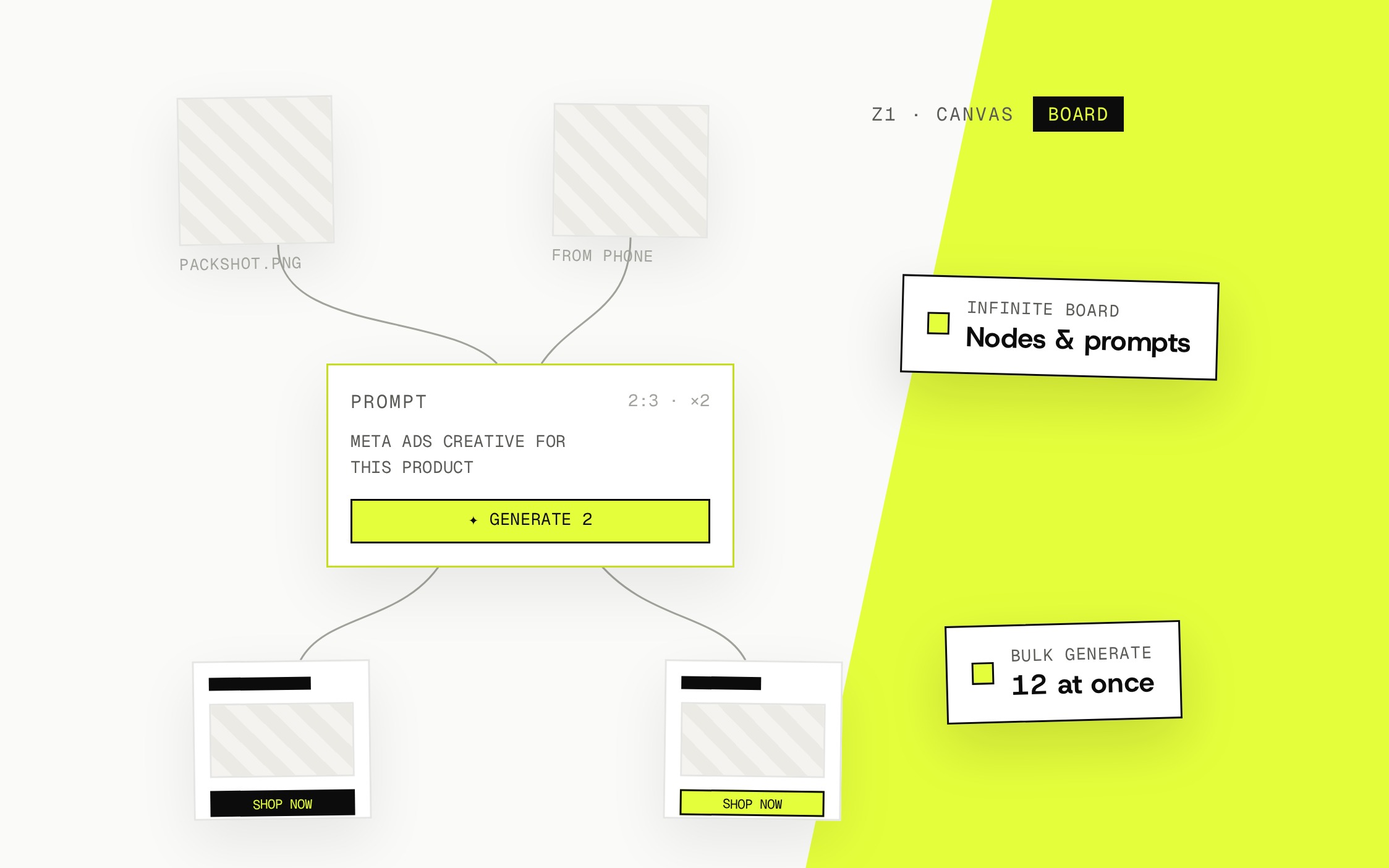
Marketing teams often maintain the same brand in several tools for emails, popups, ad assets, and pages. Fonts, colors, and layouts can drift as content moves between them.
Z1 brings shared brand assets and design tools into the workflow. Reuse the same visual direction and campaign content across formats, then adjust each design to its channel. An email and an ad need different layouts, but neither should require rebuilding your brand from scratch.
AI that works with your marketing context
The rebuild also makes AI more useful within everyday tasks. In marketing chat, you can work on email drafts, popup layouts, and attribution questions using the data and tools available to the feature.
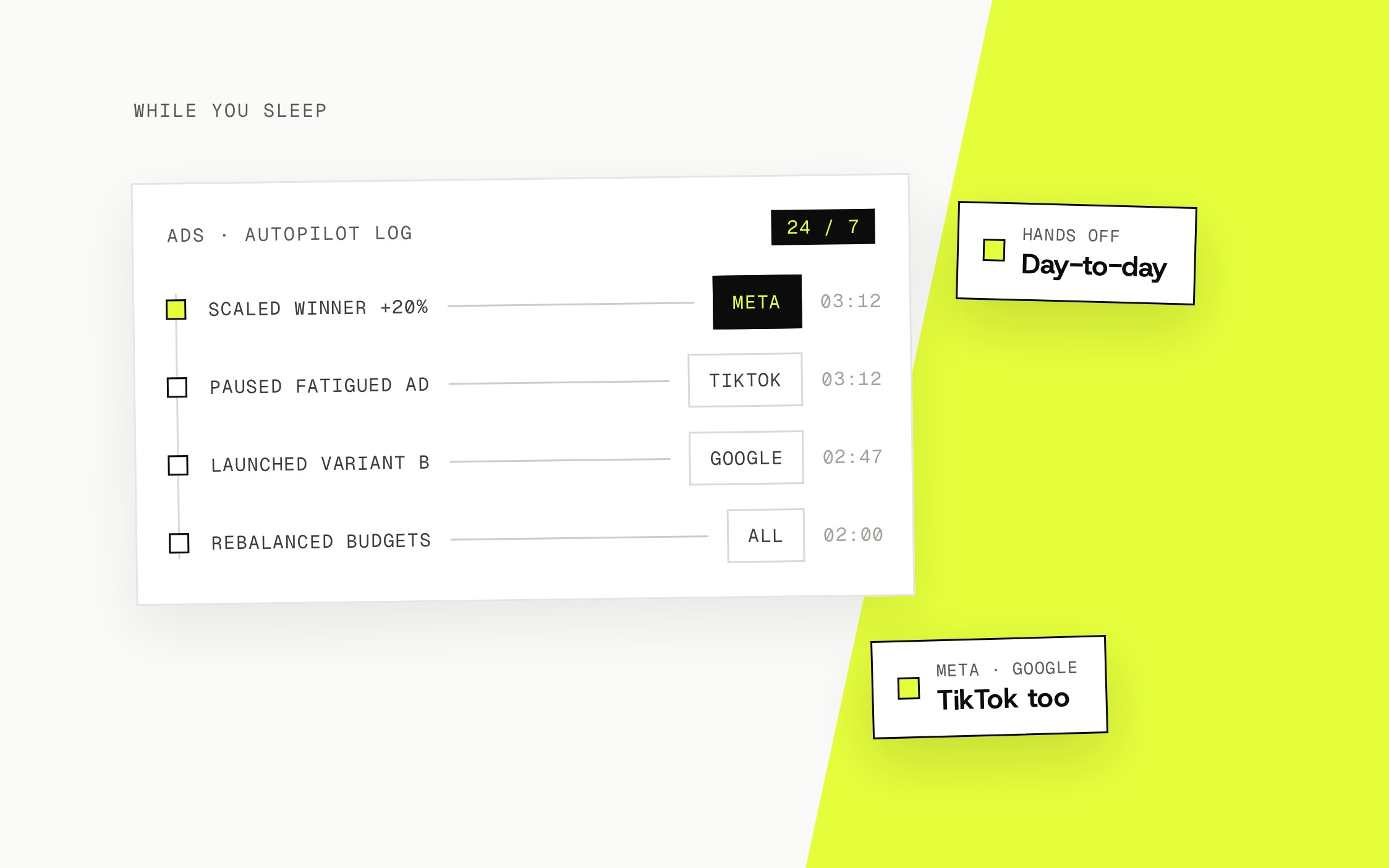
AdsBuddy supports recurring ad-management work within the settings and limits you define. The aim is to reduce repetitive operations while keeping strategy, spending limits, and review decisions with your team.
We want AI assistance to make the next action easier to understand and carry out. That means providing relevant context, using the right tools, and making results available for review.
What this changes for your team
The rebuild gives analytics, audience management, and creative work a shared foundation. You can follow recorded customer activity, choose a relevant audience, prepare content, and review performance with fewer disconnected steps.
Start with the part of your workflow that needs the most attention. Meet Z1, Reach, and Ana for a guide to their roles, or visit the help center for setup instructions.
Subscribe