
July 9, 2026
/
4 min read
The parts of Zalify: Creative, Email & Popups, and Attribution
How the parts of Zalify fit together on one customer record: Creative and Storefront make and test what shoppers see, Email & Popups brings them back, Pixel and Attribution count the orders. Where to start.
Updated November 2026: this post first introduced the three products as Z1, Reach and Ana. Those names still appear inside the app; on the site they are now the modules below.
Running a brand usually means a design tool, an email platform and an analytics dashboard, and someone carrying the brief, the customer list and the results from one to the next.
Zalify puts that work on one customer record. This post explains the parts, what each does, and where to start.
Three problems, one record
Campaigns run into the same three problems:
- Creative is hard to test. Producing enough variations takes more time than the team has.
- Visitors leave without a next step. People browse but do not buy or subscribe, and there is no way to follow up.
- Results do not add up. Each ad platform reports the same order as its own, so the ROAS figures cannot be summed. The number that can is MER, the ROAS of the whole store: total revenue over total marketing spend.
Zalify works on all three because the tracking, the messages, the storefront tests and the attribution read from the same record.
Creative and Storefront: what shoppers see
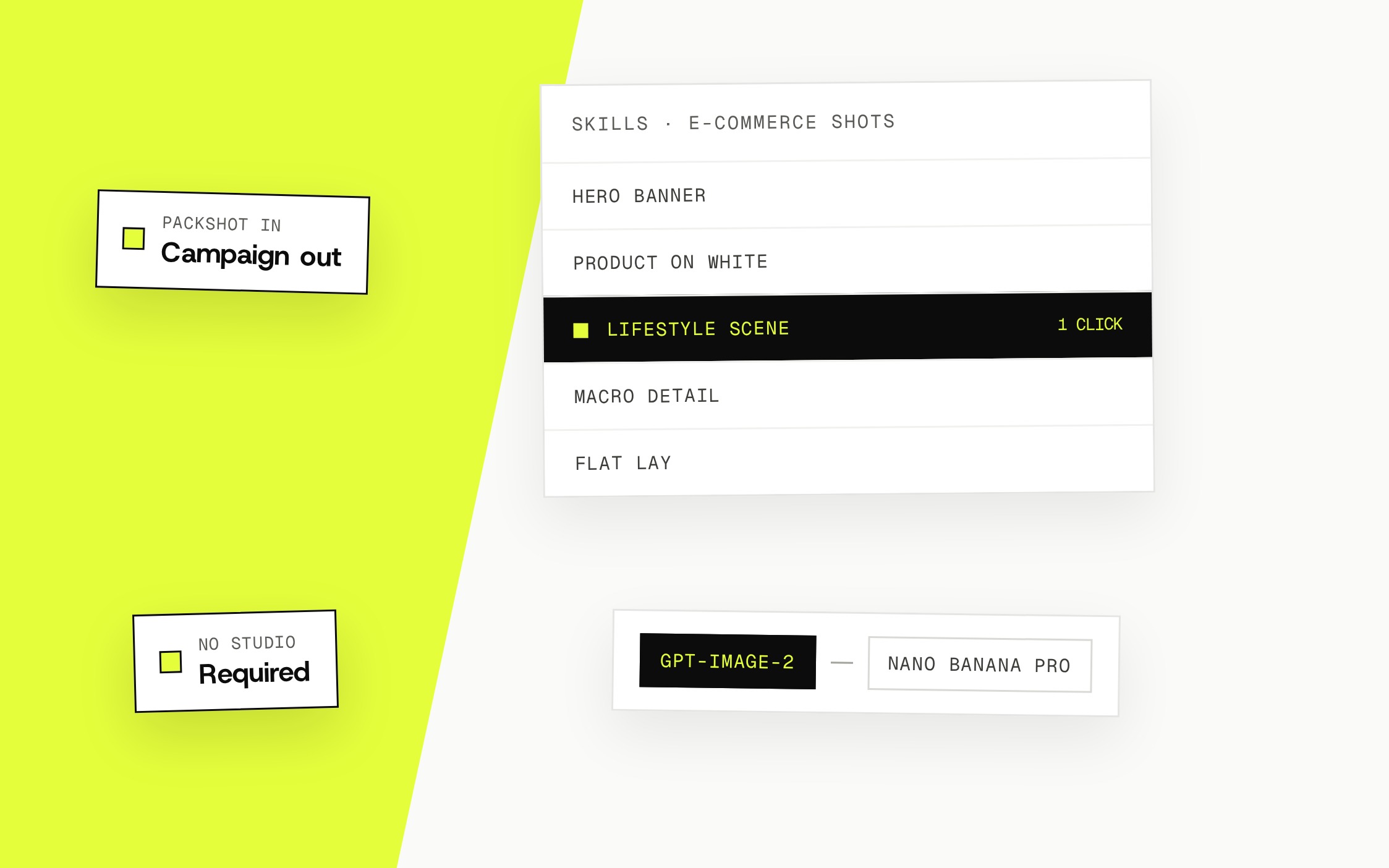
What it does: Zalify Creative generates and edits ad images, video re-edits, emails and popups from your catalog and brand kit, and ranks them by the orders attribution ties to each one. Storefront edits your Shopify theme or headless store, runs each change as an A/B test against orders, and shows heatmaps of where visitors click and stop.
Who it's for: teams whose creative production cannot keep up with their campaign plans, and stores that want conversion changes proven before they stay.
How it helps: make variations for different placements without starting every design from scratch, carry the same offer and visual direction onto the landing page, and keep the version that converts.
Email & Popups: bring them back
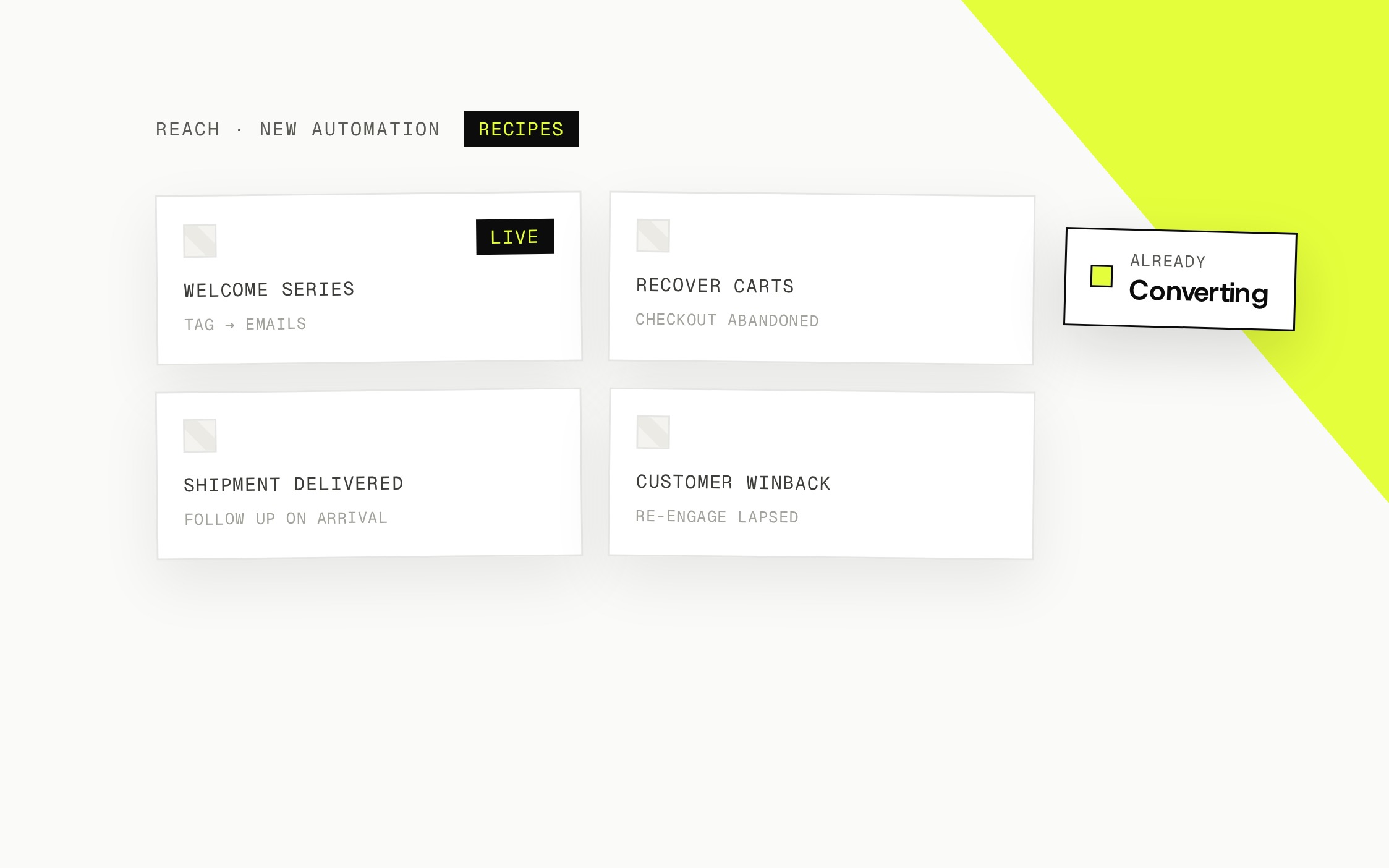
What it does: Zalify Email & Popups combines signup forms, lists, segments, broadcasts and automated flows. Collect subscriptions, follow up on abandoned checkouts, and keep existing customers informed.
Who it's for: brands that attract visitors but need a steadier way to build relationships and earn repeat orders.
How it helps: use what a customer did and whether they subscribed to pick the audience, then send through a broadcast or a flow. Flows follow their triggers, conditions and delays, and stop once the customer buys. The second order counts against the same marketing spend, which is where MER moves.
Pixel and Attribution: count the orders
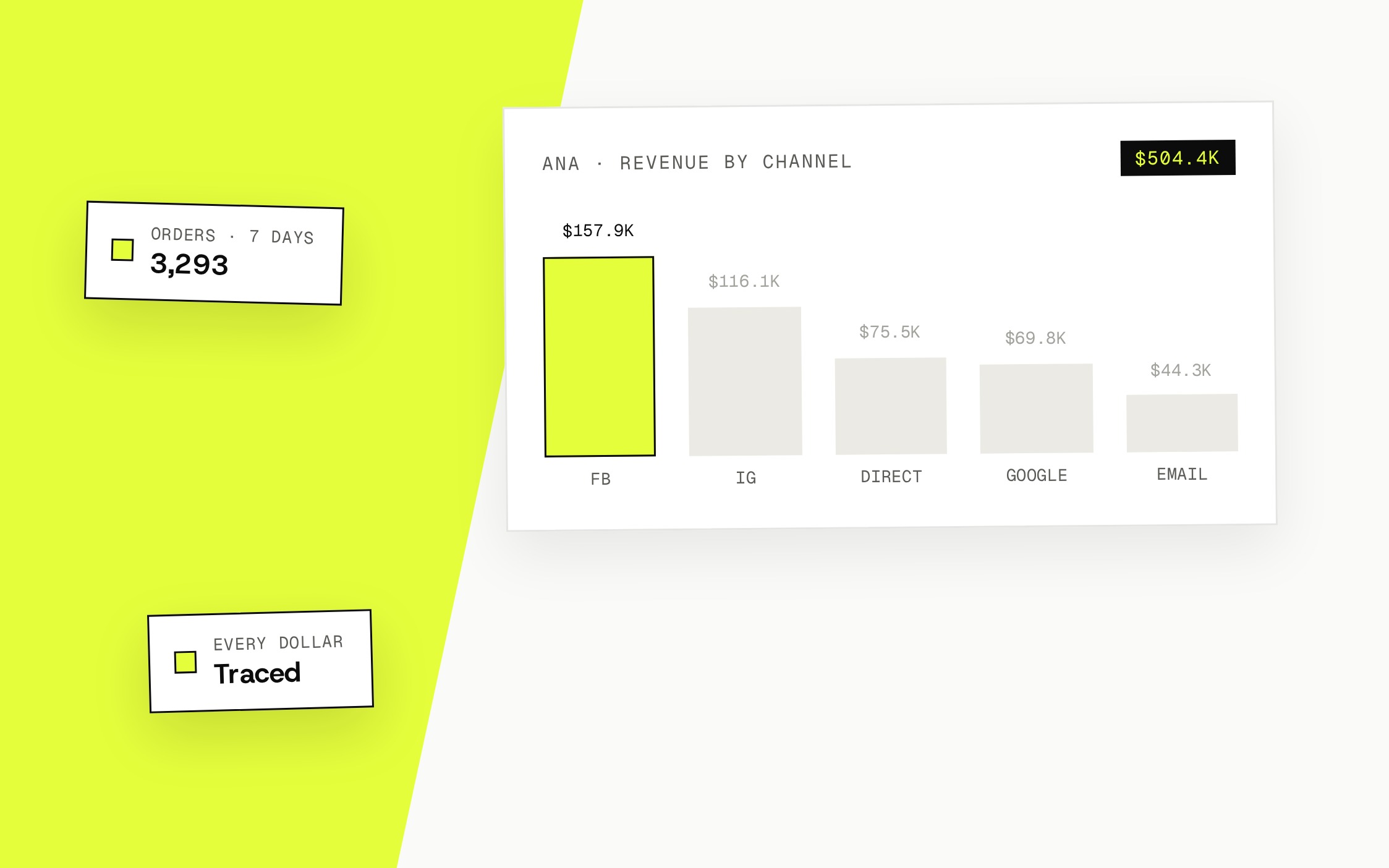
What it does: Zalify Pixel records every visit, product view, cart and order on your own domain and sends conversions server-side to Meta, Google, TikTok and the other platforms you advertise on. Attribution ties each order to the ad, campaign and creative that preceded it, shows email revenue in the same view, and reports MER with the channel split.
Who it's for: teams comparing channels or deciding where the next advertising dollar goes.
How it helps: one revenue figure beside each channel's share, computed from Shopify orders and connected ad spend. Attribution is a model of contribution, not proof that one ad caused a purchase; the MER line does not depend on the model.
Put the results back into the next campaign
The parts form one loop:
- Create: prepare the assets in Creative and the landing page in Storefront.
- Follow up: collect subscriptions and send the right message with Email & Popups.
- Measure: read the attributed orders and the MER in Attribution.
- Improve: brief the next round of creative and audiences from what counted.
The findings carry from one campaign into the next without rebuilding the context each time.
Where to start
Start with the problem taking the most time. Choose Creative if producing assets is the bottleneck, Email & Popups if follow-up needs work, or Attribution if you cannot see what your spend returns.
Every paid plan includes all of the modules, with usage drawn from one balance; see pricing for allowances and seats. If you would rather have our team run the ads and the creators on it, book a demo.
Subscribe