Marketing efficiency ratio
MER: the ROAS of your whole Shopify store.
MER, the marketing efficiency ratio, is total revenue divided by total marketing spend. It doesn't depend on which platform claims an order, so it's the number to judge the whole budget by. Zalify computes it from your Shopify orders and the ad accounts you connect, and reports it beside each channel's return.
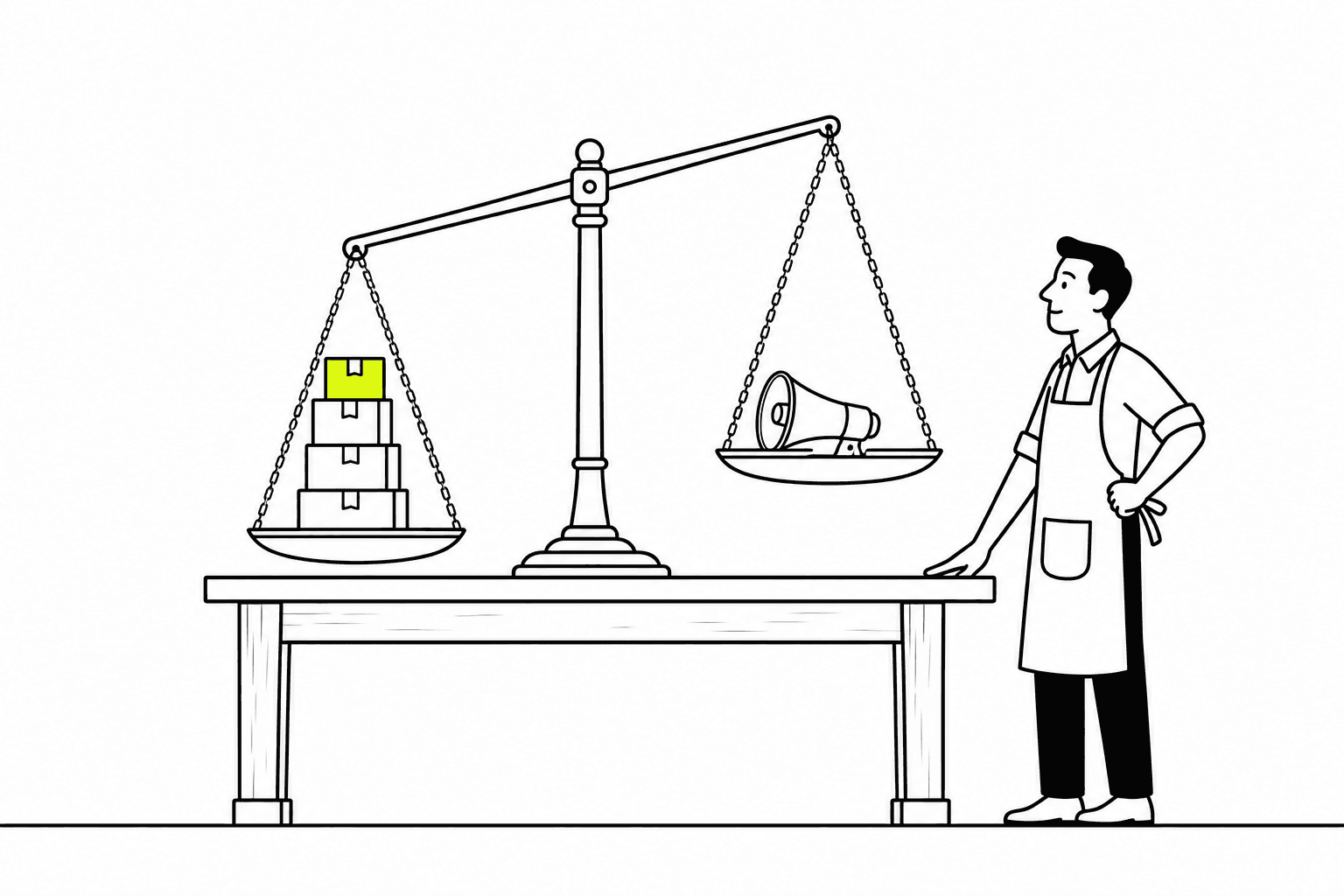
Why MER
Why judge marketing by MER, not ROAS.
ROAS is each ad platform's report on its own ads. MER is the store's own arithmetic: what came in over what went out.
01
Platforms claim the same order
By default Meta counts a sale when its ad was clicked within 7 days or seen within 1, and Google follows the conversion settings of your account. One order can appear in both reports. MER counts it once.
02
Revenue no ad report shows
A buyer who comes back from an email, or types your address a month later, adds revenue without a new click to pay for. No platform's ROAS includes it. MER does.
03
The store moves it as much as the ads
A faster page, a clearer product page or a better cart turns more of the same clicks into orders. Spend stays the same and MER rises.
04
A number you can check
Total revenue is in Shopify and total spend is on your ad invoices. Anyone on the team can recompute MER and get the same answer.
Capabilities
Read MER
next to what moves it.
01
Scale planMER for the whole store
Revenue from your Shopify orders over the ad spend of the accounts you connect, for yesterday, the last 7 or 30 days, or any range you choose. The platforms the spend covers are named beside the figure, so you know what the number includes.

02
Your own orders beside the platforms' reports
Zalify ROAS divides the revenue of your website orders by ad spend, with each order credited to one channel only. It's drawn on the same chart as the ROAS Meta and Google report, day by day, so the gap between the two is in plain view.

03
What a new customer costs
Ad CAC is ad spend over the new customers whose first order came from a Meta or Google campaign. It's charted with the number of new customers and the revenue of their first order.

04
One day against the day before
The daily report puts a day's spend, purchases, cost per purchase and ROAS beside the previous day's, lists the campaigns that were scaled up or pulled back, and breaks the day down by campaign, ad set, ad and creative. Export it as a file to send.
05
Reports you save for the team
Group spend and platform-reported results by campaign, ad set, ad account, platform, week or month, compare with the previous period, and save the report for yourself or for the team. Each report exports to CSV.
MER, taken apart.
MER is total revenue over total marketing spend. Take it apart and every term is something a store can move, and each one has a Zalify module moving it.
01 / 08Formula
MER
2.7
Example store, one month
Revenue
$54,000
Marketing spend
$20,000
Spend ÷ revenue
37%
Revenue
$54,000
Marketing spend
$20,000
One number for the whole store
Total revenue over total marketing spend. This store earns $2.70 for every $1 of marketing.
- Revenue
- $54,000
- Marketing spend
- $20,000
- MER
- 2.7
Example figures, not a real store.
Questions, answered.
What is MER?
MER, the marketing efficiency ratio, is total revenue divided by total marketing spend over the same period. A store that takes US$100,000 in a month and spends US$25,000 on marketing has an MER of 4.
How is MER different from ROAS?
ROAS is the revenue an ad platform attributes to its own ads, divided by the spend on that platform. MER uses the store's whole revenue and its whole spend, so it's the ROAS of the whole store. To see which ad brought each order, use Zalify Attribution.
What is a good MER?
Many Shopify brands aim for 3 to 5. The right target depends on your margin: at a 60% gross margin, an MER of 3 means marketing takes a third of revenue and about 27% is left for everything else.
Which spend and revenue does Zalify count?
Revenue is your store's Shopify orders. Spend is read each day from the Meta and Google Ads accounts you connect. The figure names the platforms it covers.
Which modules raise MER?
Each one moves a term of it. Zalify Pixel sends complete conversions to the ad platforms. Zalify Creative raises the click-through rate. Zalify Storefront raises the add-to-cart and checkout rates. Zalify Email adds repeat revenue with no new click to pay for. Zalify Attribution shows which spend to move.
Which plan includes MER reporting?
The Scale plan. Our team connects your ad accounts with you and turns the reporting on for your workspace. See pricing or book a demo.
See what moves your store's MER.
Book a demo and we'll go through the terms of MER for a store like yours.