故障排除
/
1 min read
如何修复无事件问题?
如何修复无事件问题?
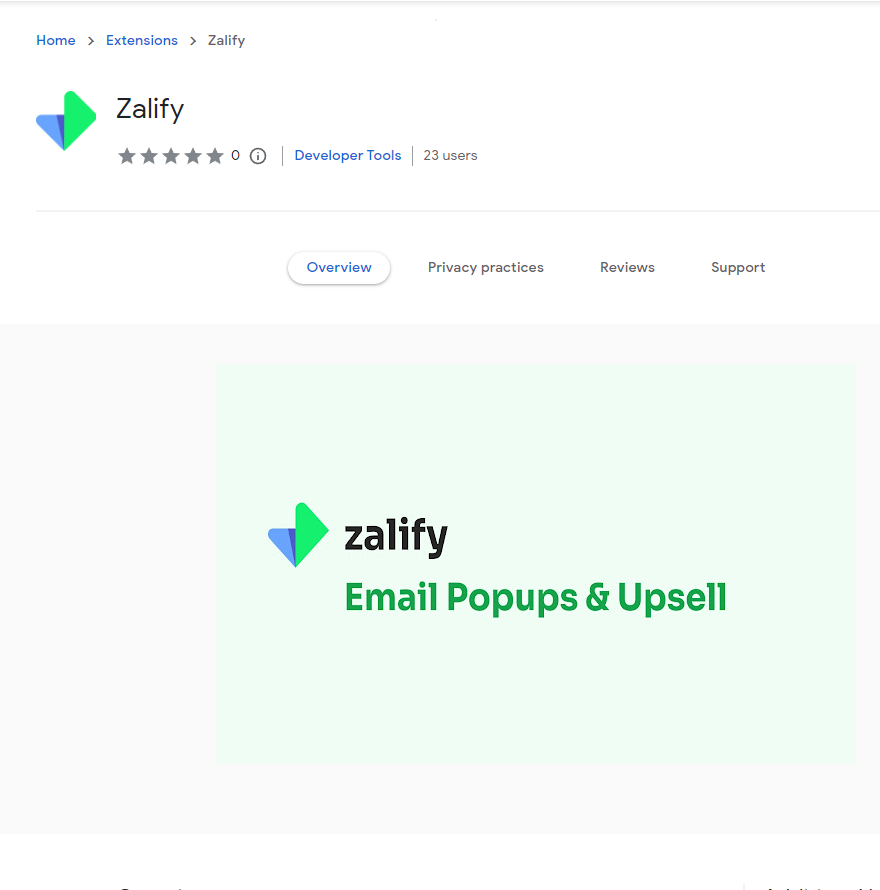
- Install Zalify chrome extension
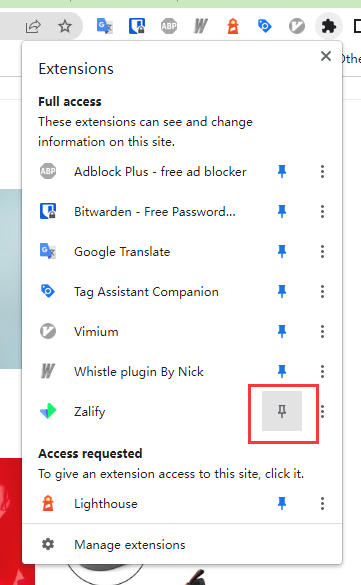
- Pinned to extension bar
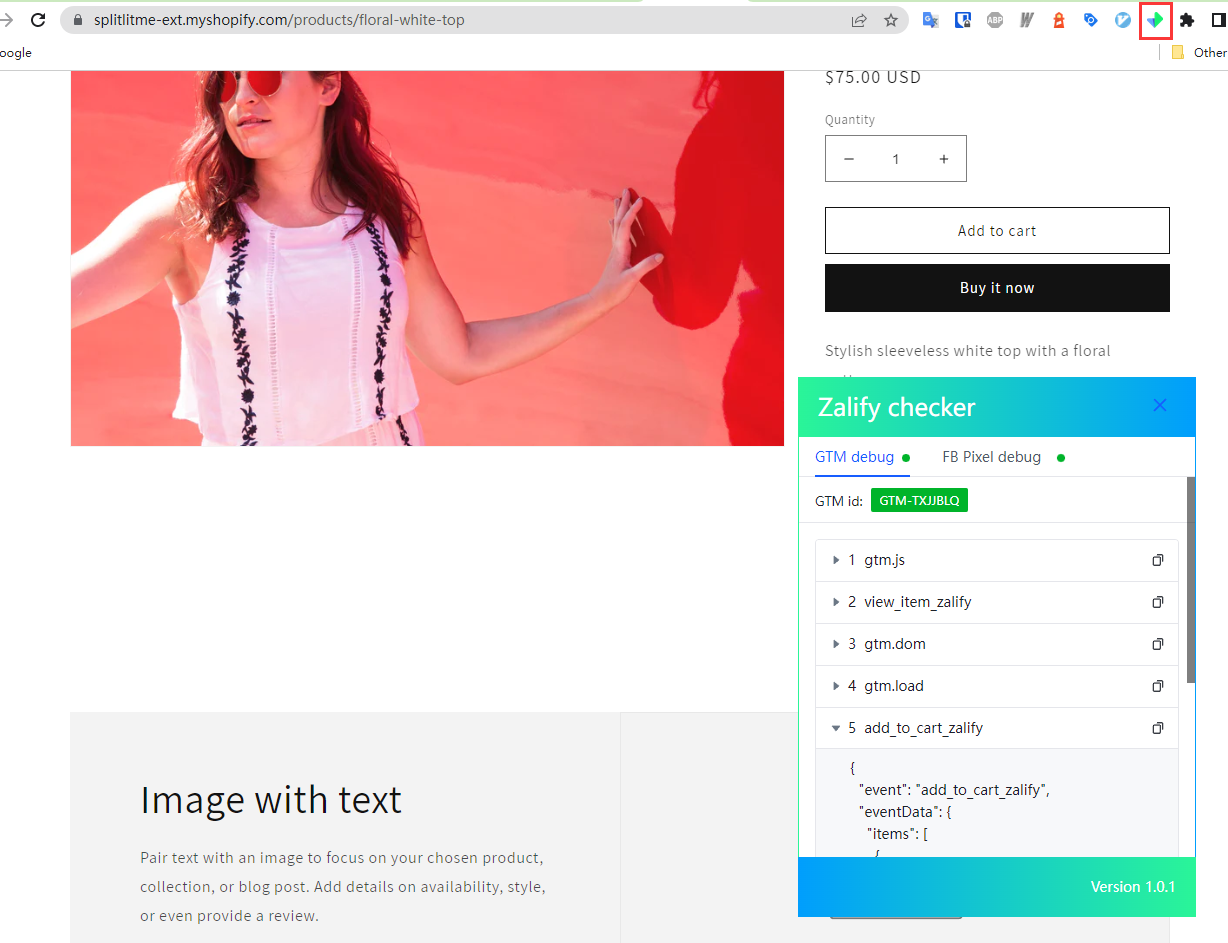
- Go to your Shopify store and click Zalify icon to activate Zalify debugger.
- If you also have FB pixel installed, just use the FB Pixel debugger.
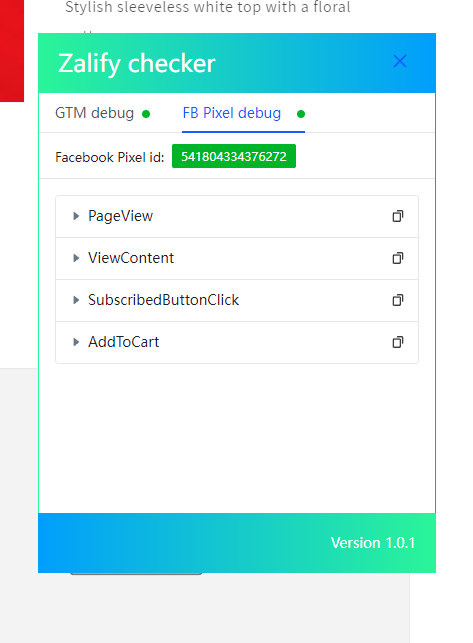
5.Noted: There may be a delay of a day or two for GTM events to be posted back to the Facebook Pixel. If the debugger above shows no errors, please be patient.