故障排除
/
1 min read
如何创建 GTM (Google Tag Manager) 并获取容器 ID?
如何创建 GTM (Google Tag Manager) 并获取容器 ID?
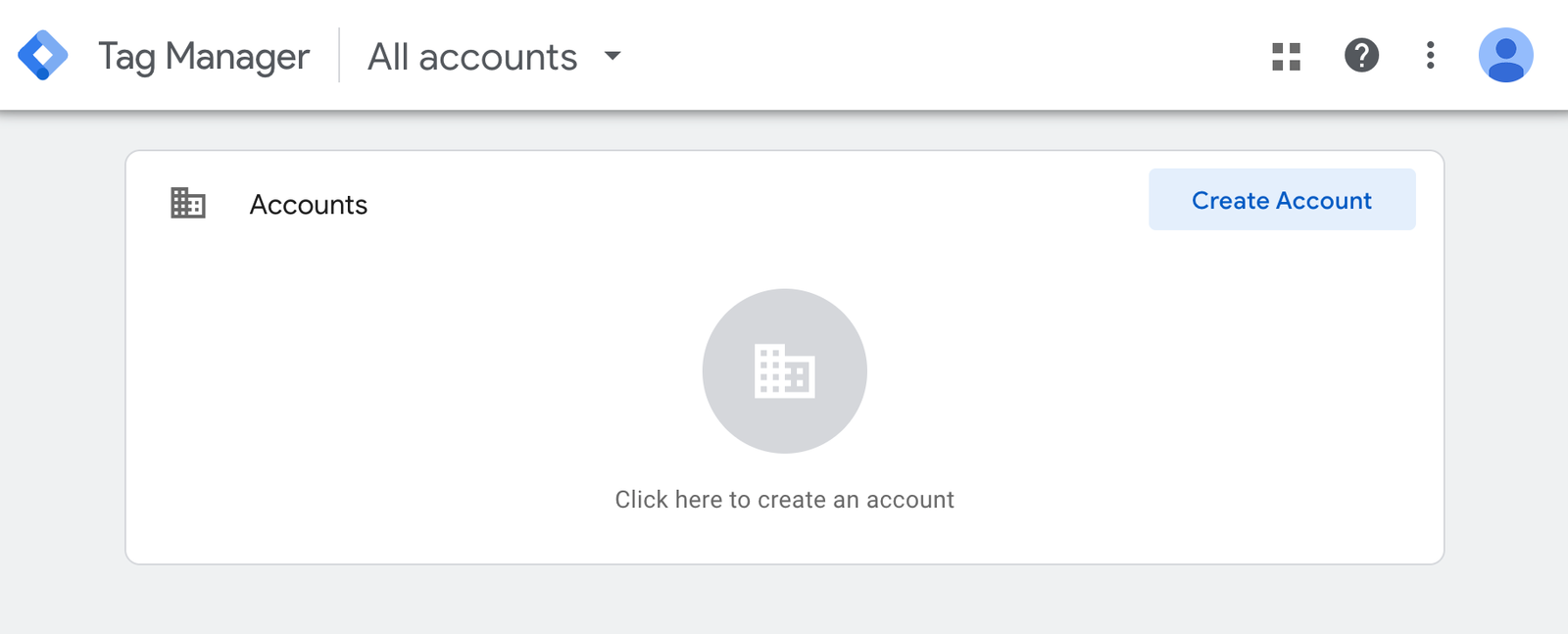
- Go to https://tagmanager.google.com to create an account on Google Tag Manager, if you do not have one.
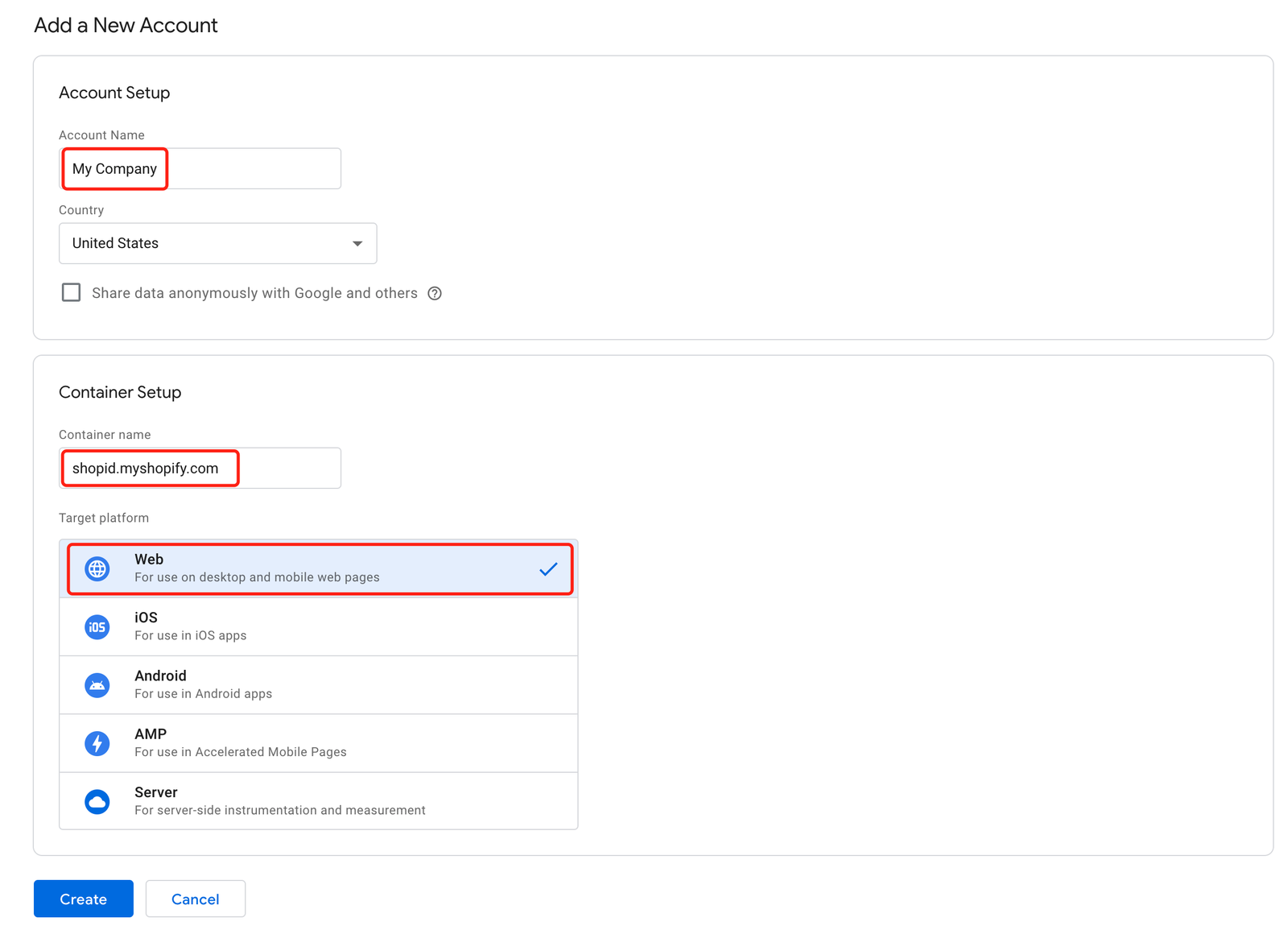
- Create account and choose "Web" as target platform.
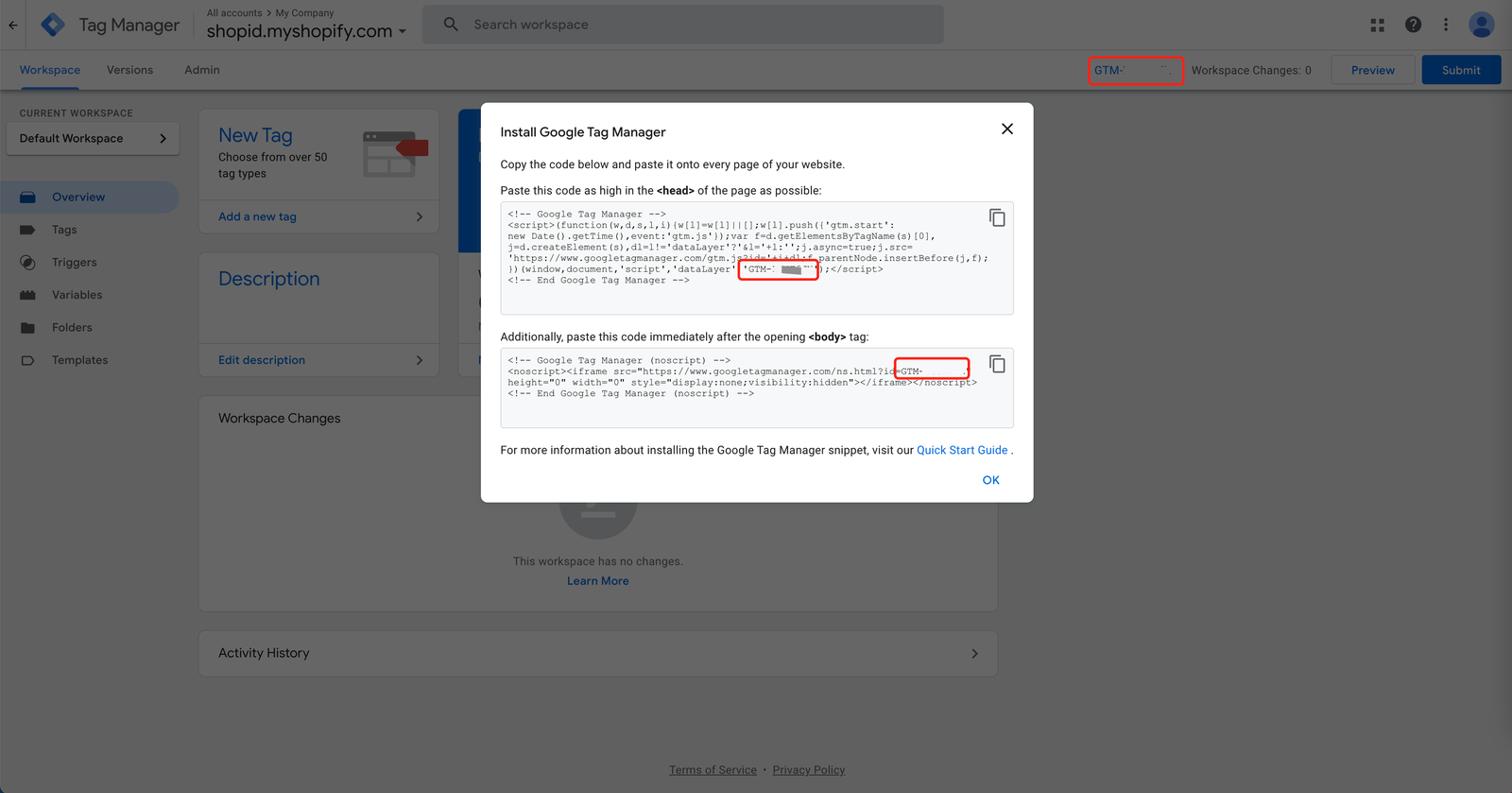
- Copy the GTM Container ID from the Google Tag Manager website, you can find the GTM Container ID as marked below.
- Paste the GTM Container ID into the form above, then it's all done. 🎉