How to Customize Product Content Section Width
How to Customize Product Content Section Width
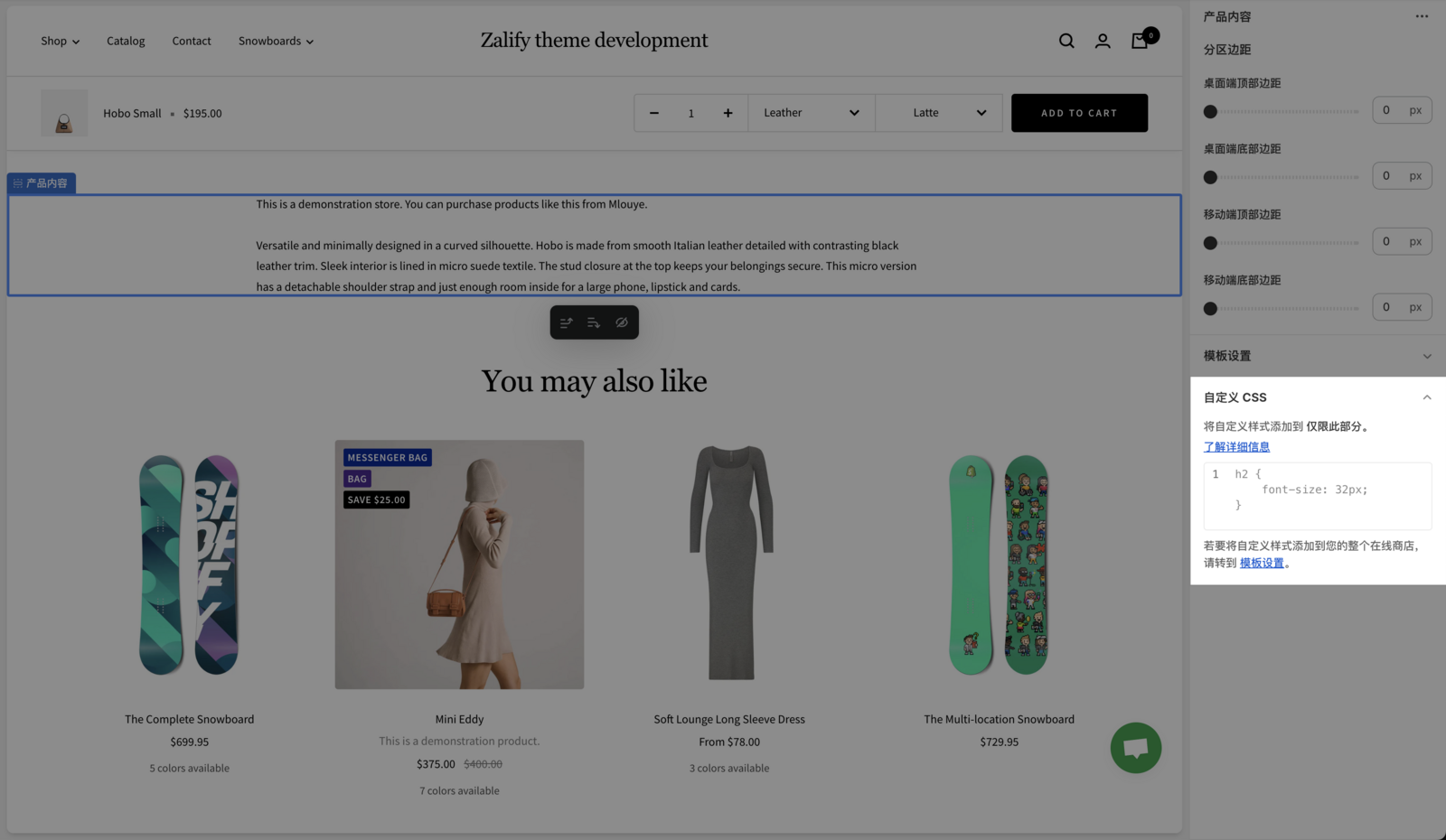
- 在 Shopify 后台中,转至 在线商店 > 模板
- 找到您要编辑的 Zalify 模板,然后点击 自定义
- 从 模板 下拉菜单中选择要编辑的 产品 模板
- 在 产品页面 部分,点击 自定义 CSS
- 添加以下代码
- 点击 保存
.product-content__tabs {
width: 100%; /* 这里的 100% 可随意调整为你想要的宽度像素或百分比 */
}