Zalifyテーマ
/
1 min read
Custom payment icons
Custom payment icons
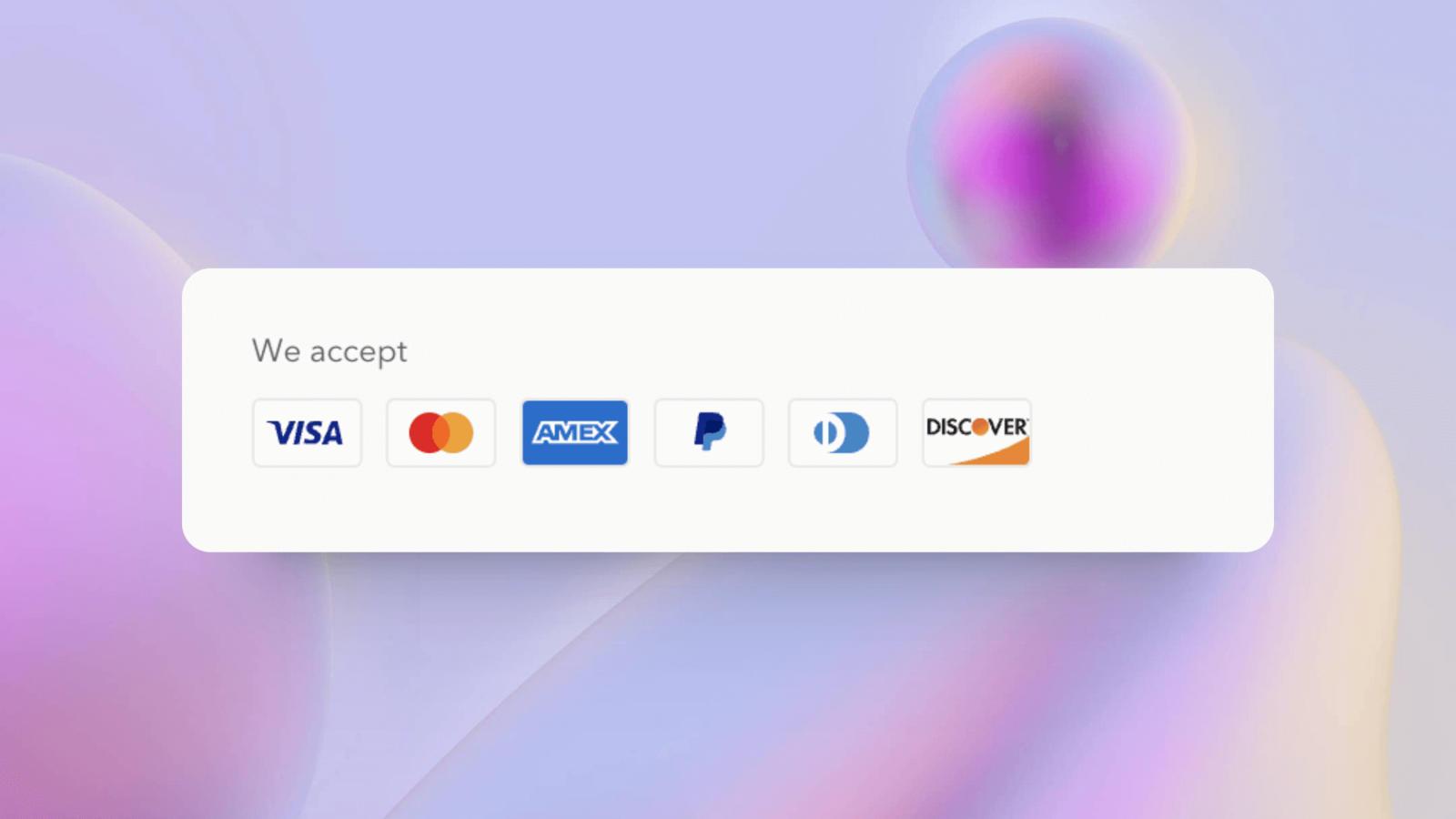
When using Shopify Payments as your payment platform, the theme will automatically fetch the activated payment methods and render them in the footer section.
You can turn off this feature in the footer section's configuration if not necessary. However, in most cases, we still recommend using Shopify Payments.
However, if you've integrated a third-party payment platform, automatic rendering will not be effective or may cause errors. Fortunately, you can still manually configure the payment methods.
How to Configure
- Go to your desired Zalify theme template in the Shopify admin.
- In the edit mode, go to the
template settingssection and findpayment methods. - Click the
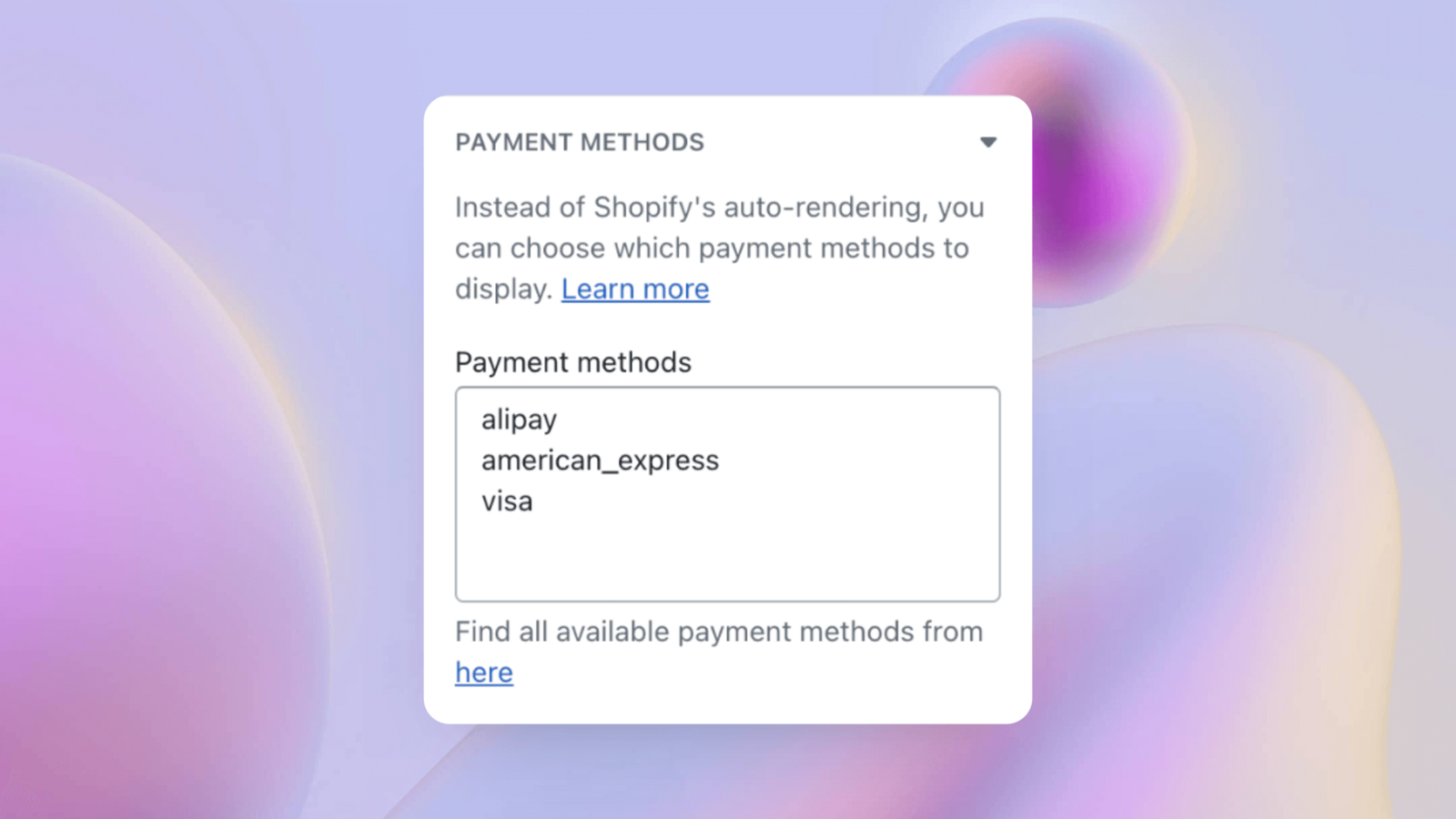
herelink below the input box. In the page that opens, you'll see many files ending in.svg. The filename before.svgcorresponds to a payment platform, likealipay,american_express, etc. - Return to
payment methods, and fill in the code in the input box according to the following format, for example: