Zalify 像素
/
1 min read
如何安装 Meta Facebook Pixel
如何安装 Meta Facebook Pixel
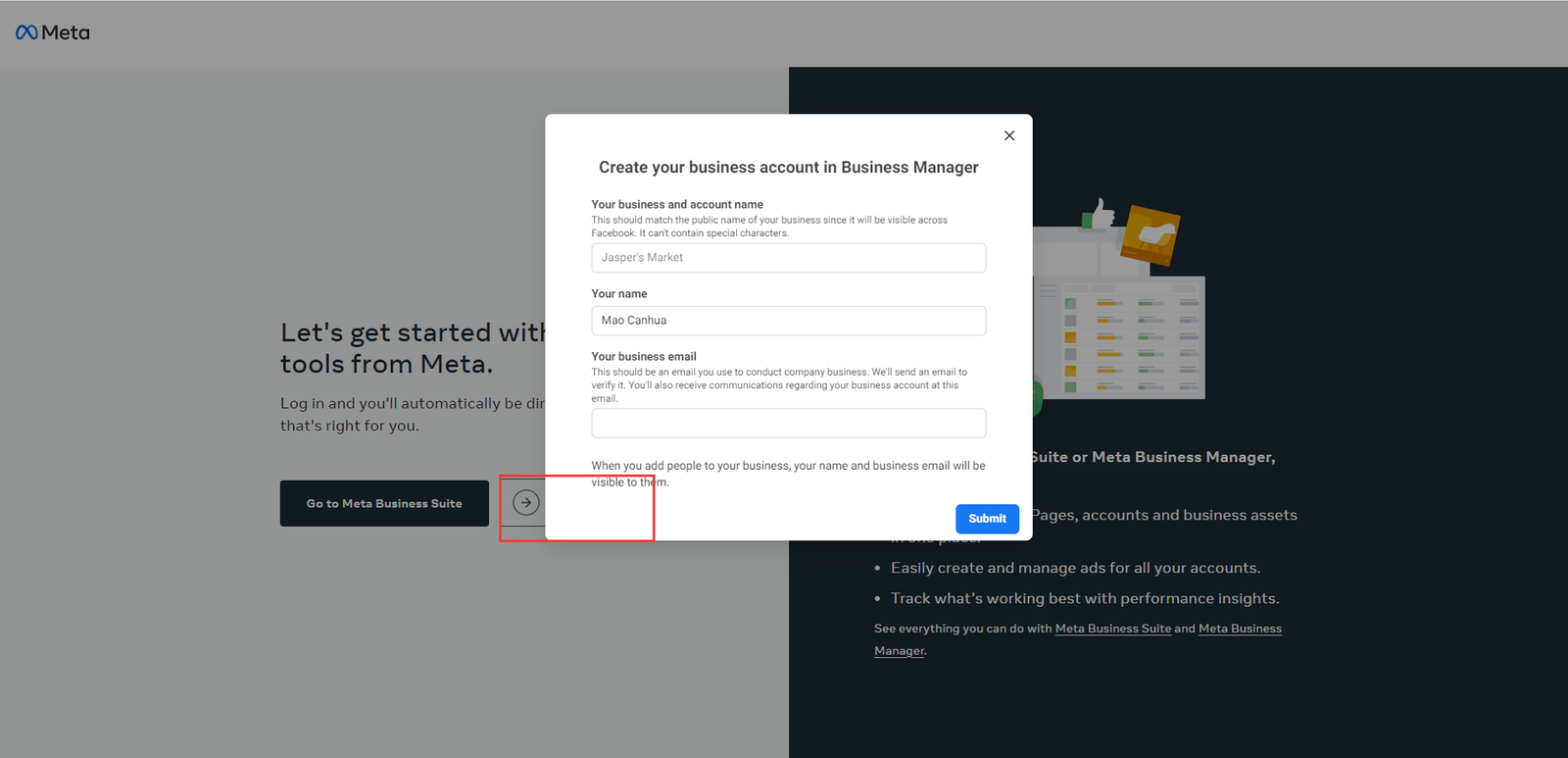
- 前往 Facebook BM
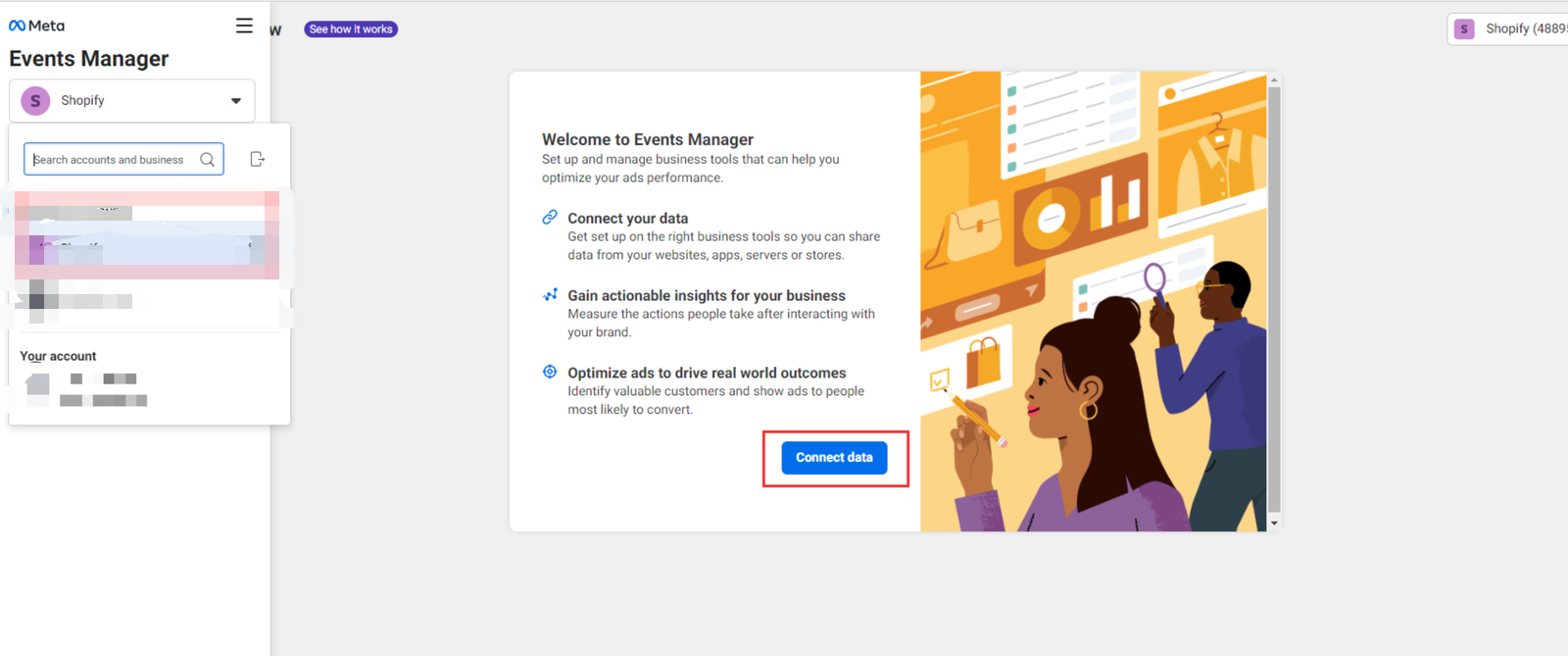
- 选取你的 Business 账号,点击 "Connect data"
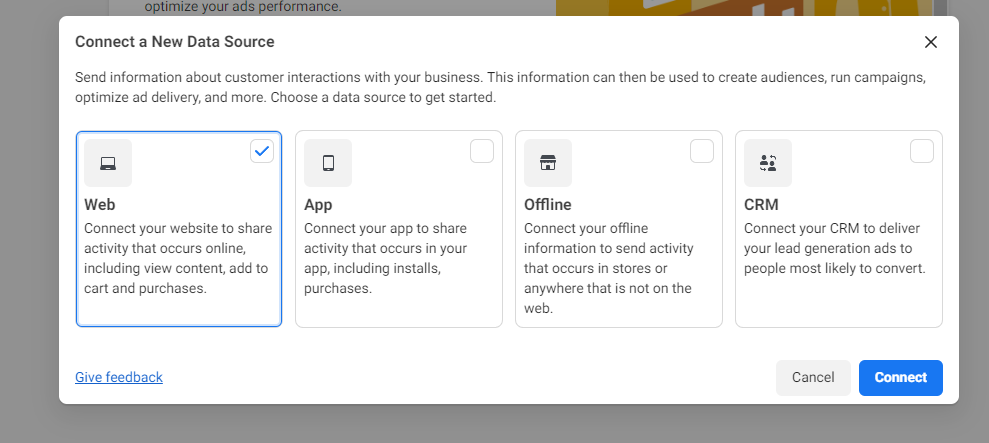
- 选择 Web,点击 "Connect"
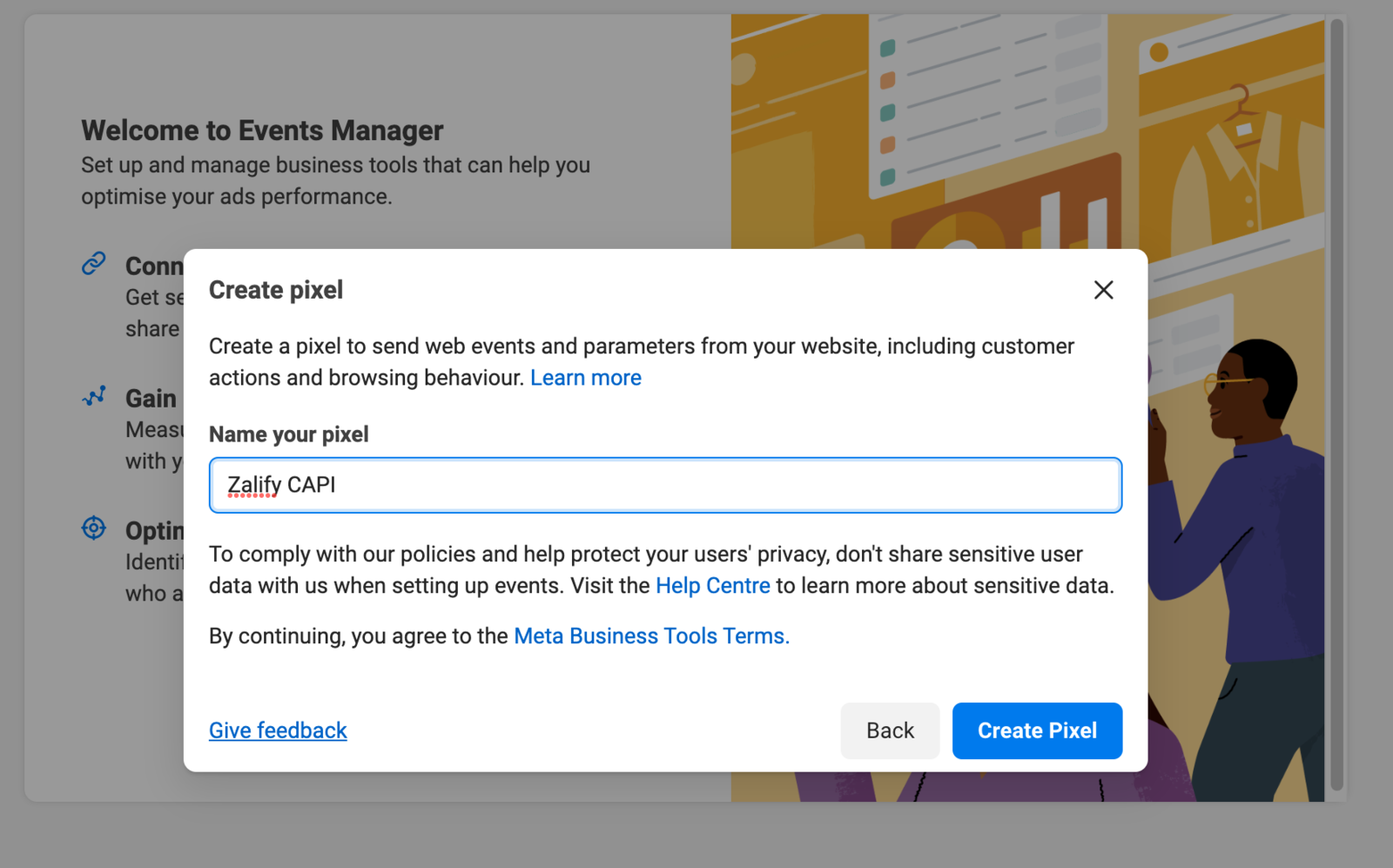
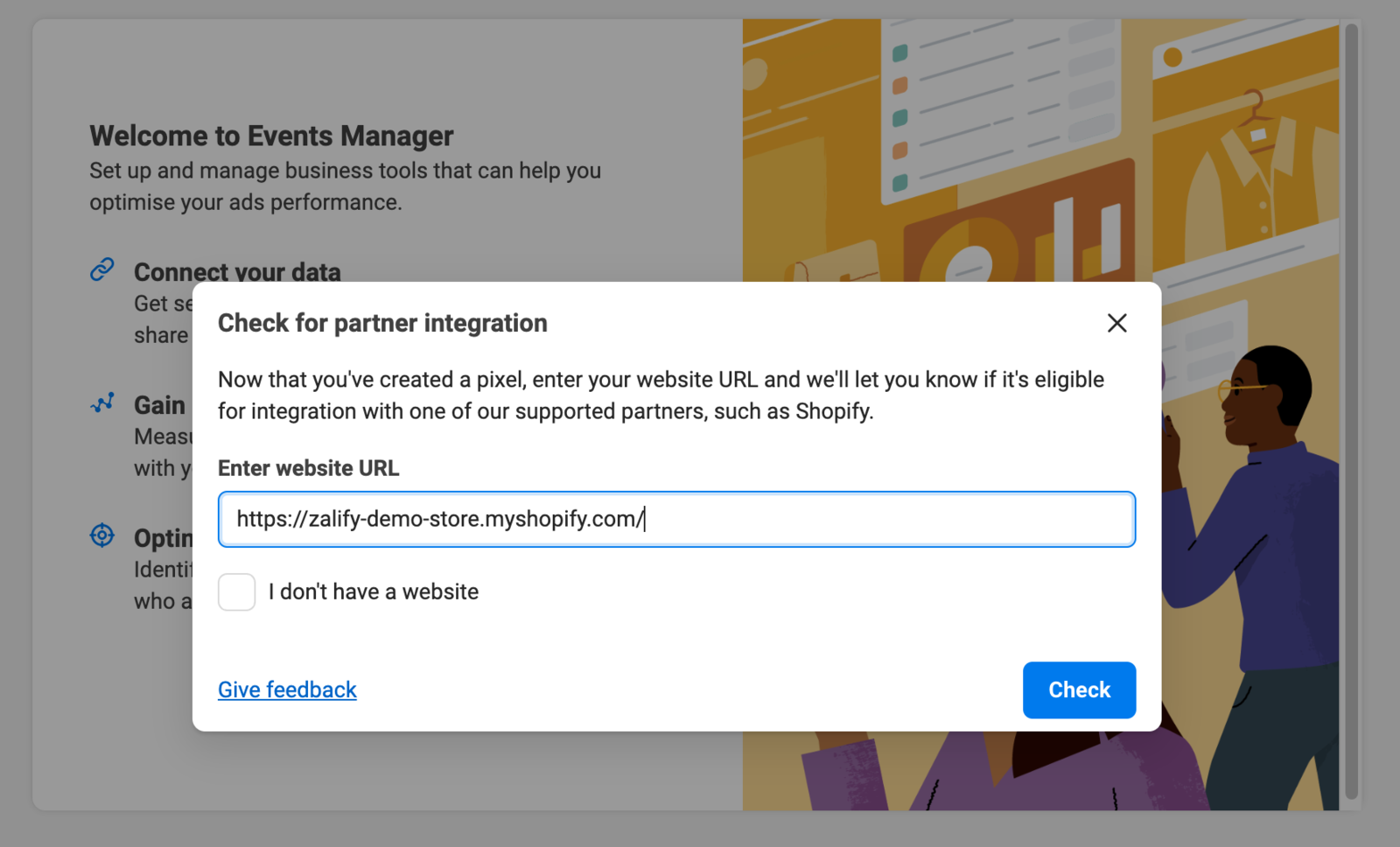
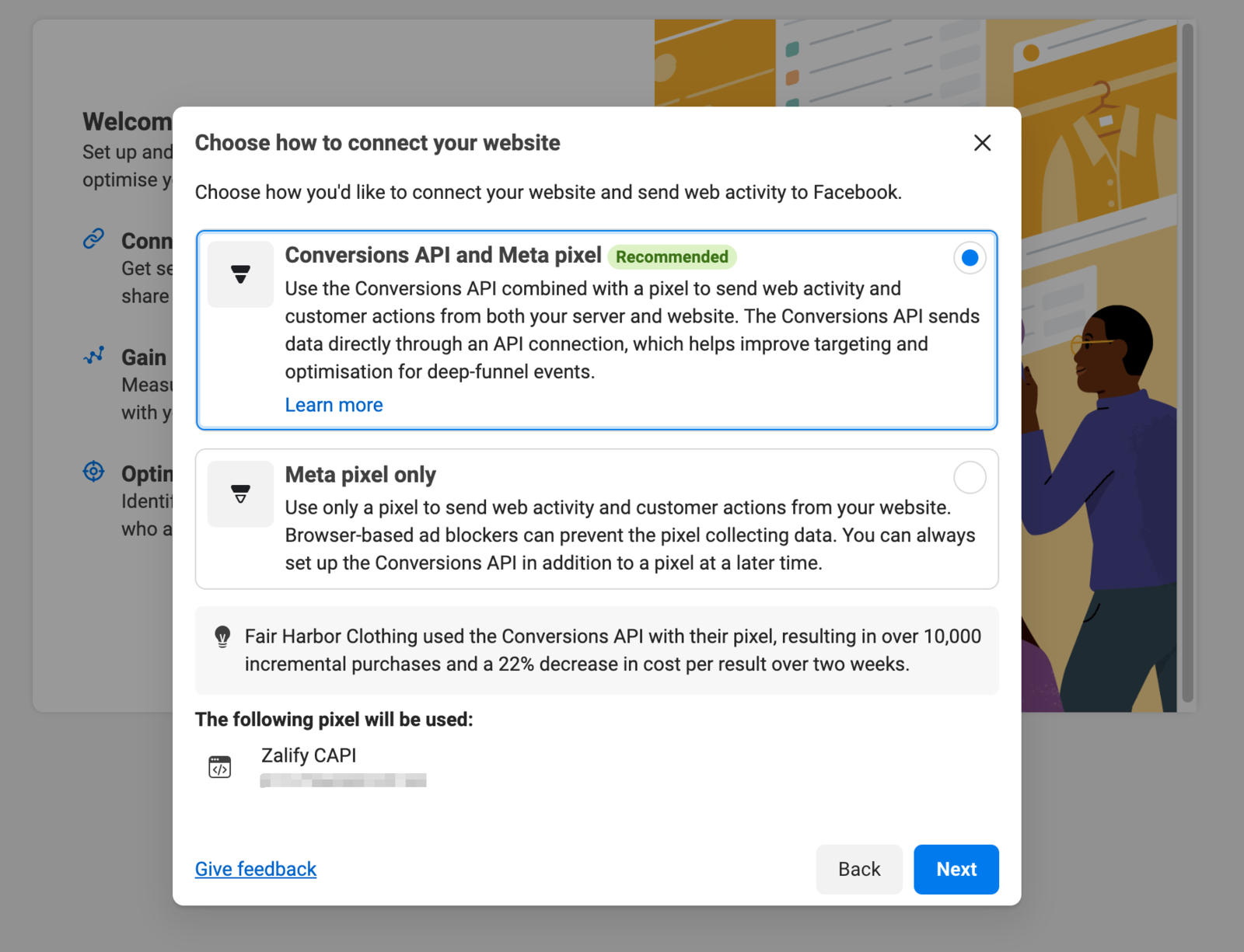
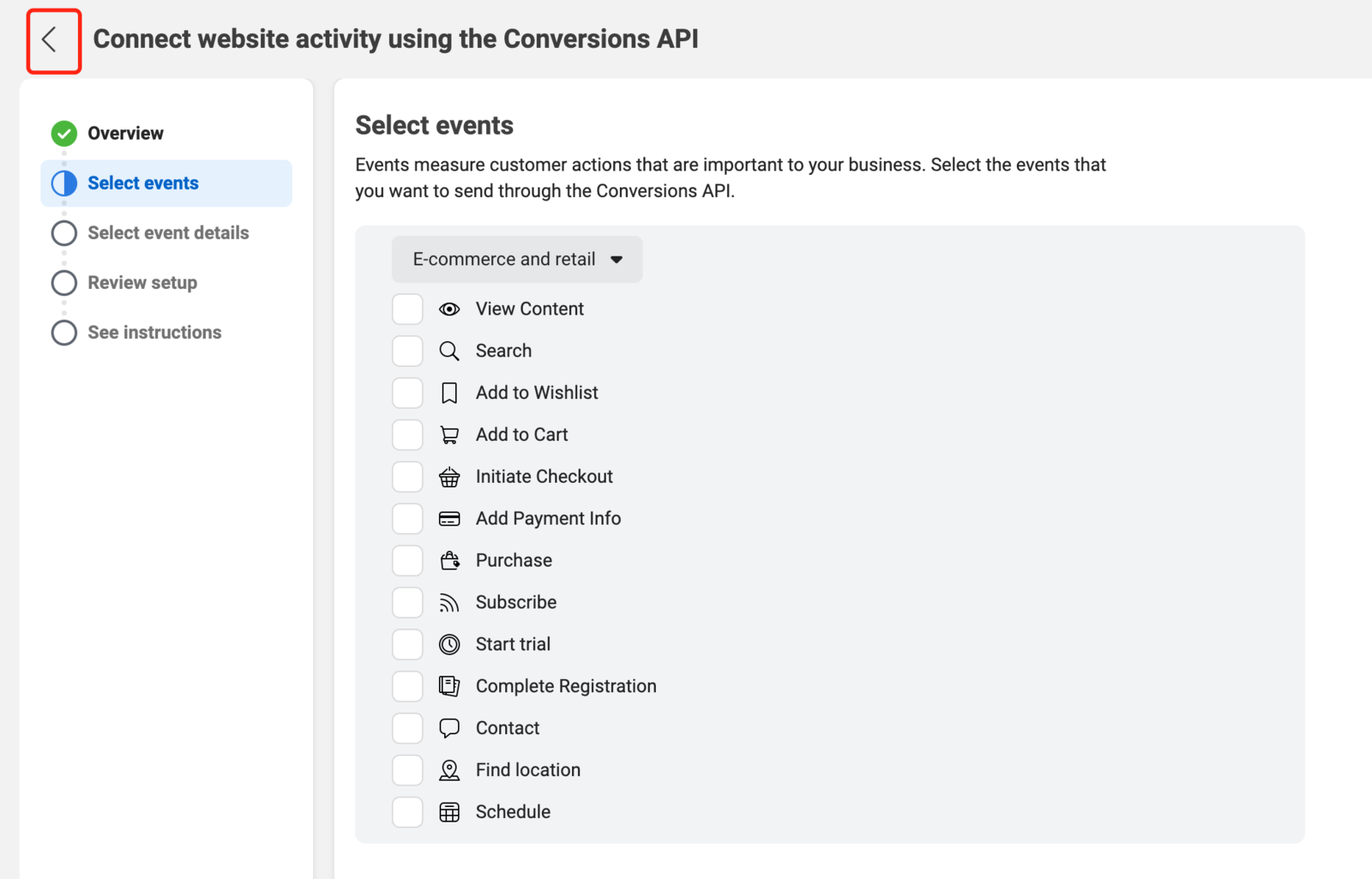
- 创建 Pixel
- 前往 Pixel 的 Settings 页面,复制你刚创建的 Pixel ID
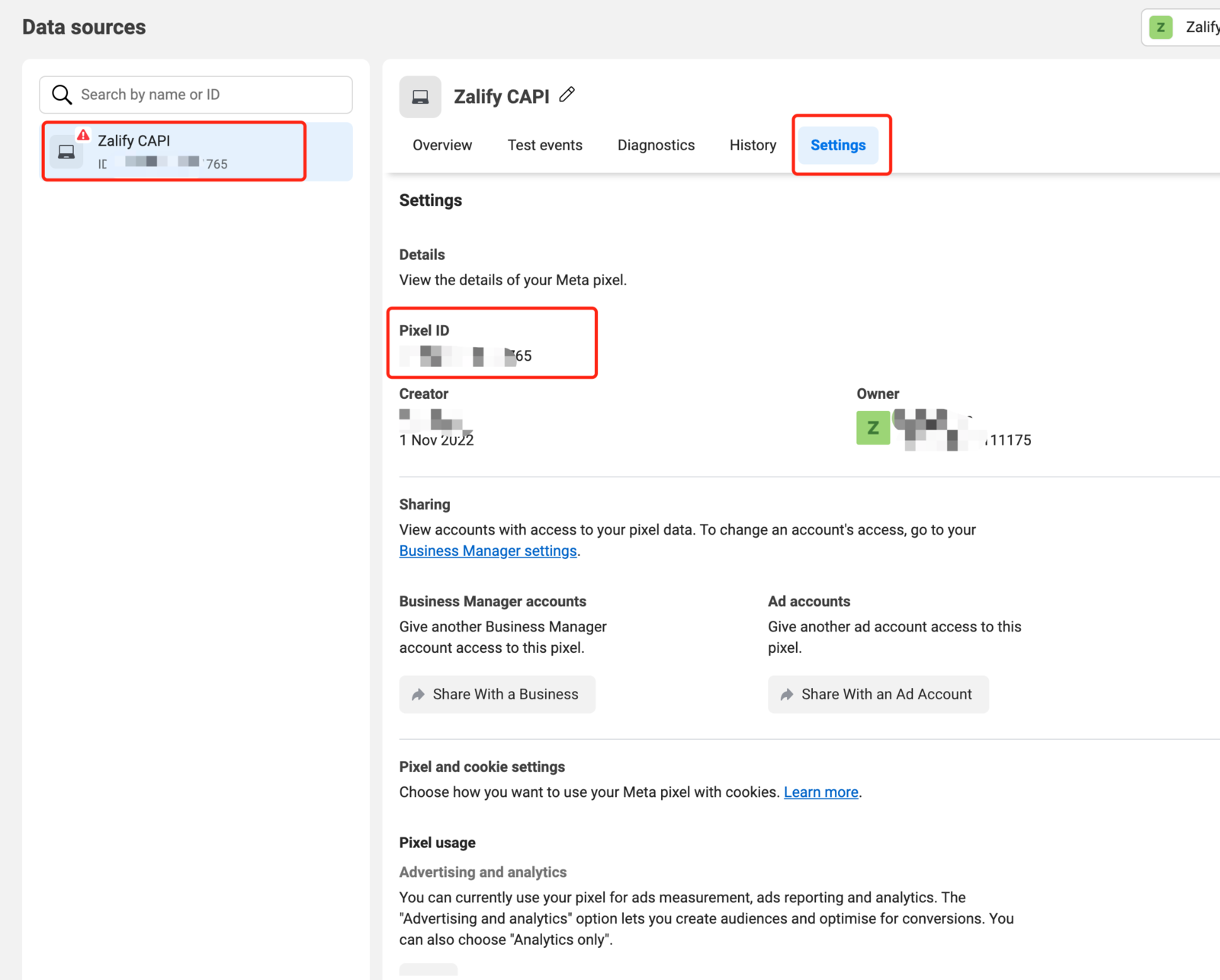
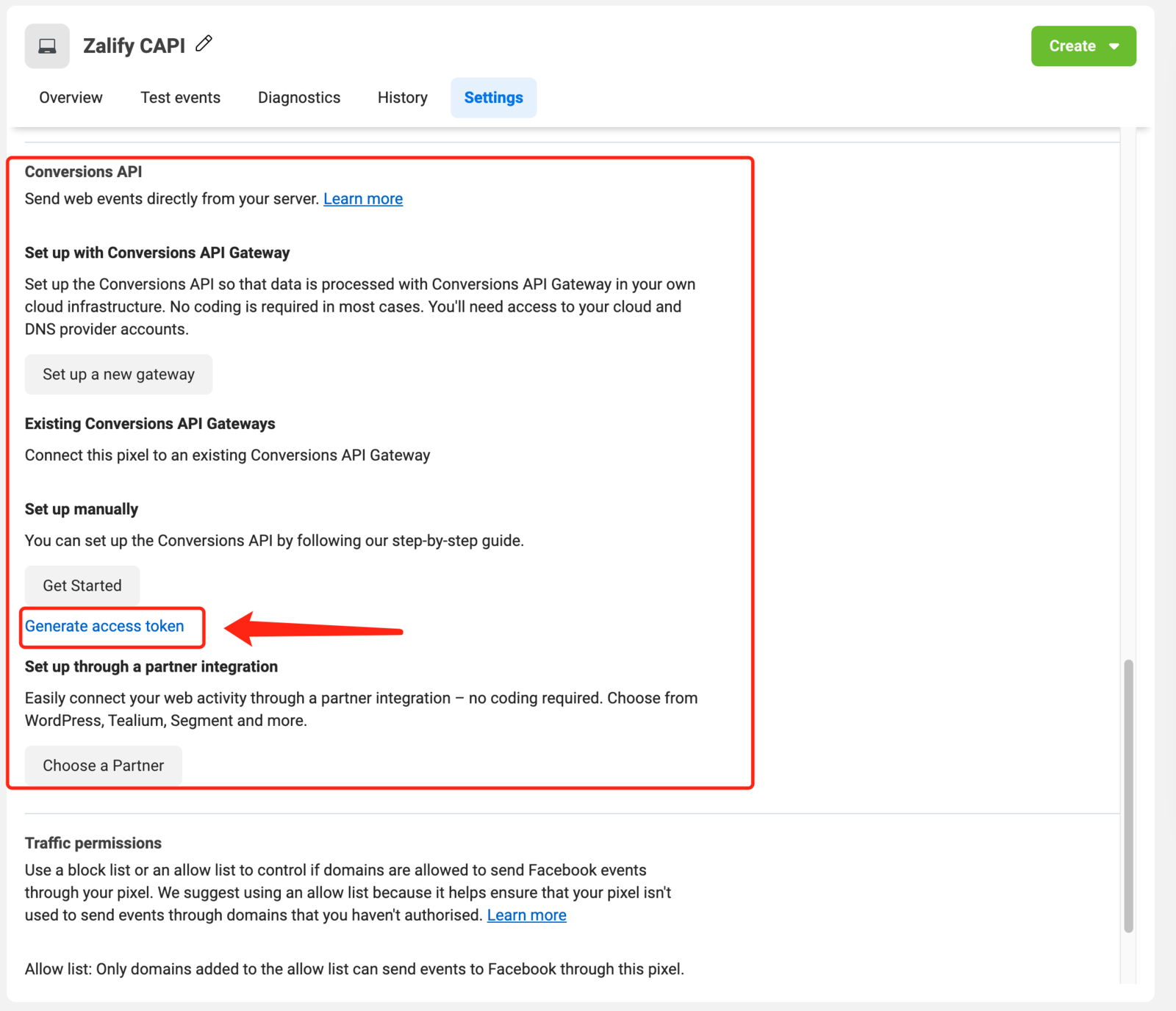
- 在 Settings 页面下方找到 Generate access token 生成 access token (付费用户才能使用 服务端追踪)