Zalifyピクセル
/
1 min read
How to get Meta Pixel ID and Access Token?
How to get Meta Pixel ID and Access Token?
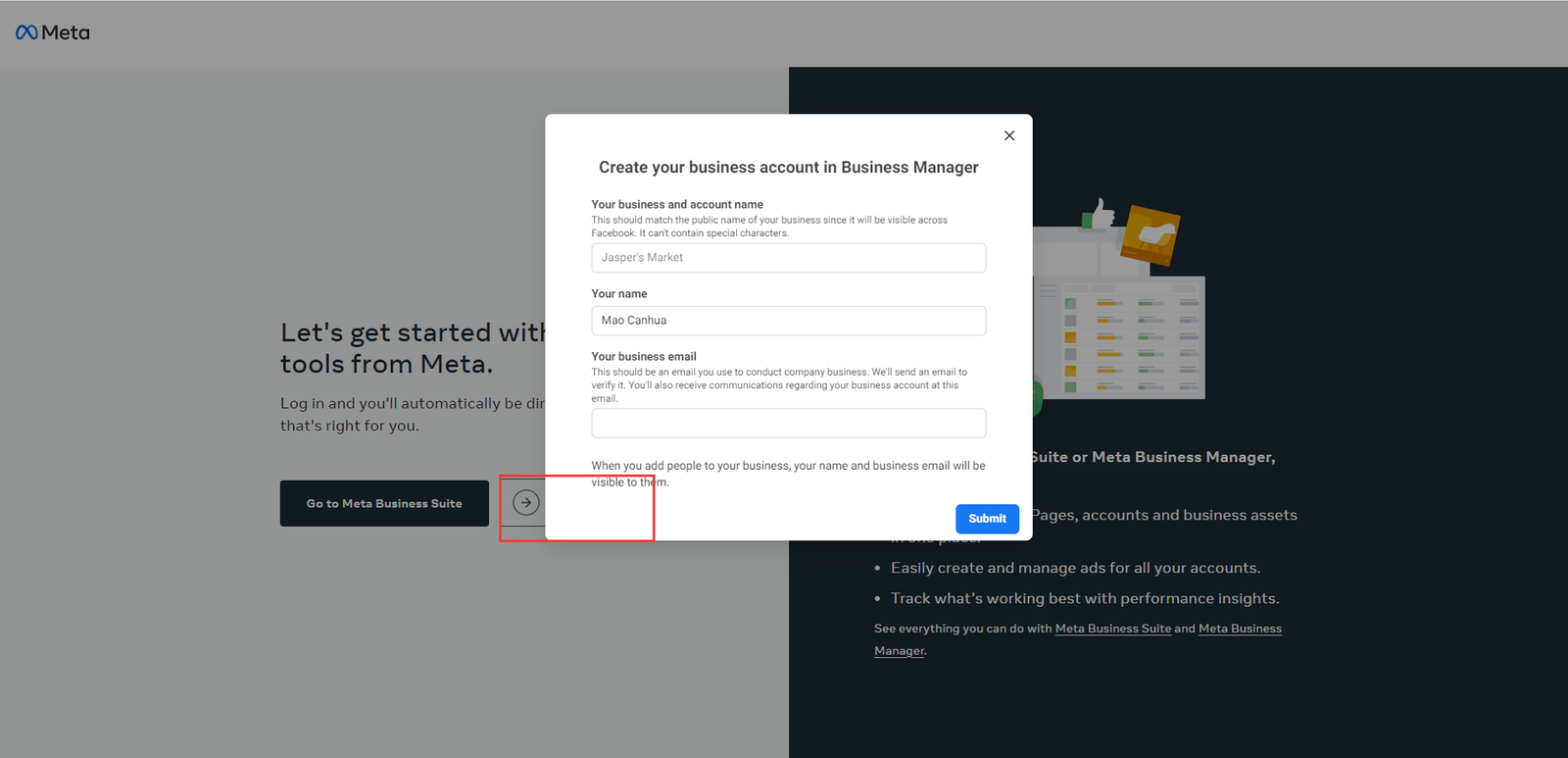
- Create your business account https://business.facebook.com/events_manager2
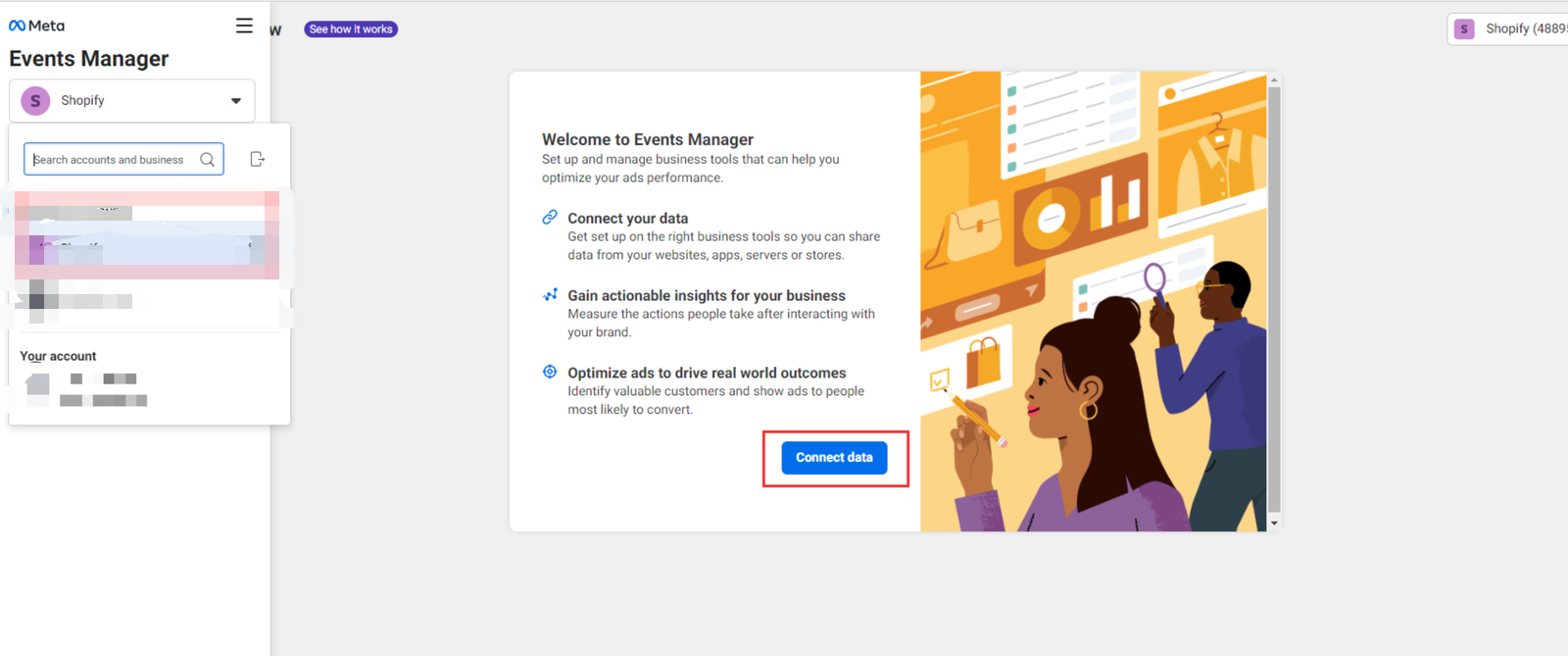
- Select your business account, then click 'Connect data' https://business.facebook.com/events_manager2
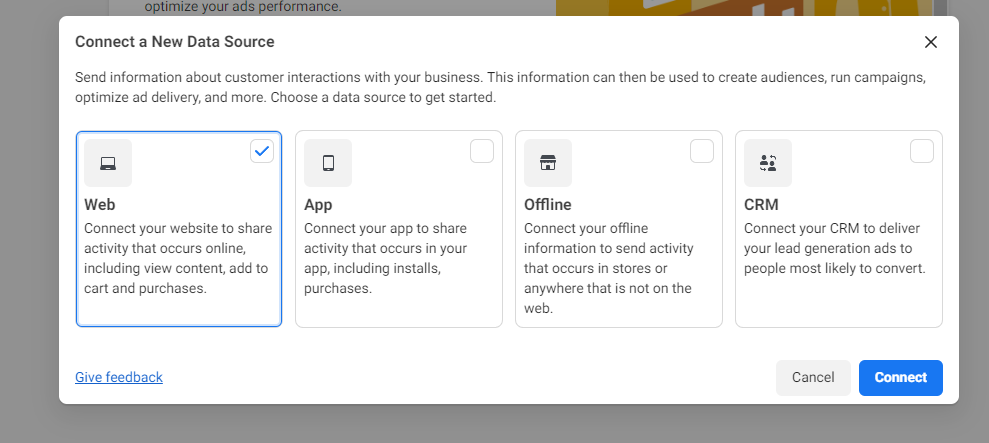
- Select Web and click 'Connect'
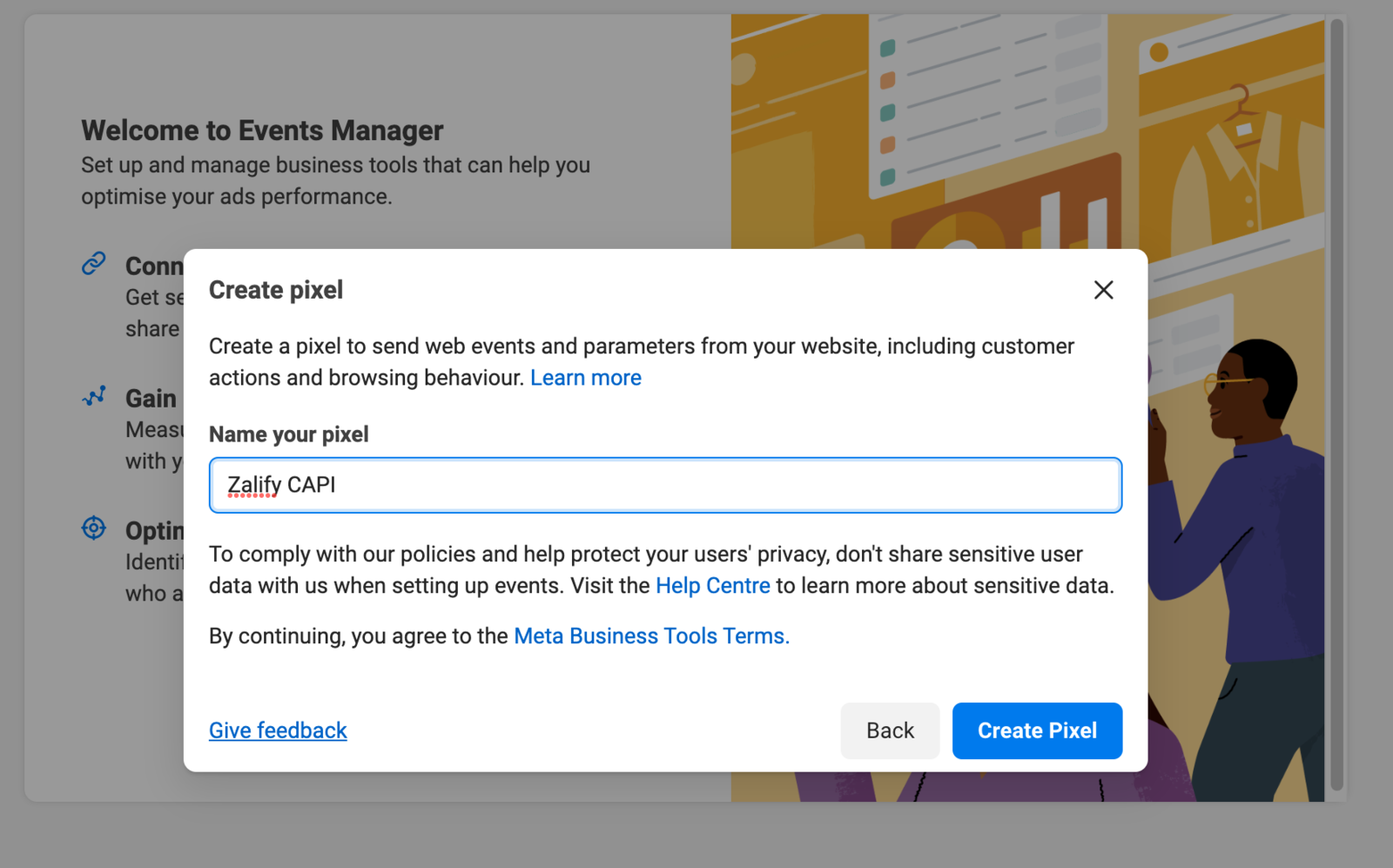
- Create Pixel
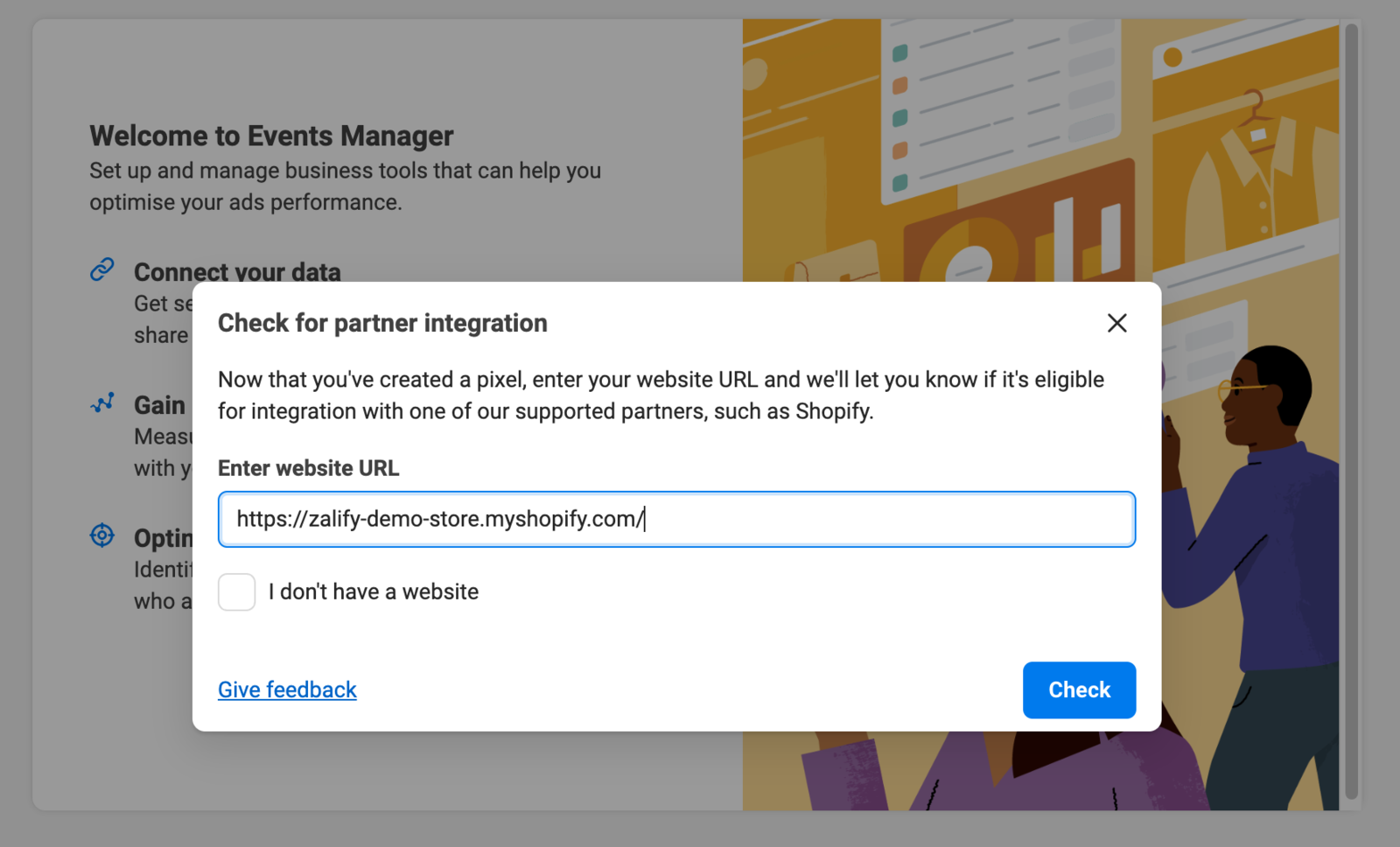
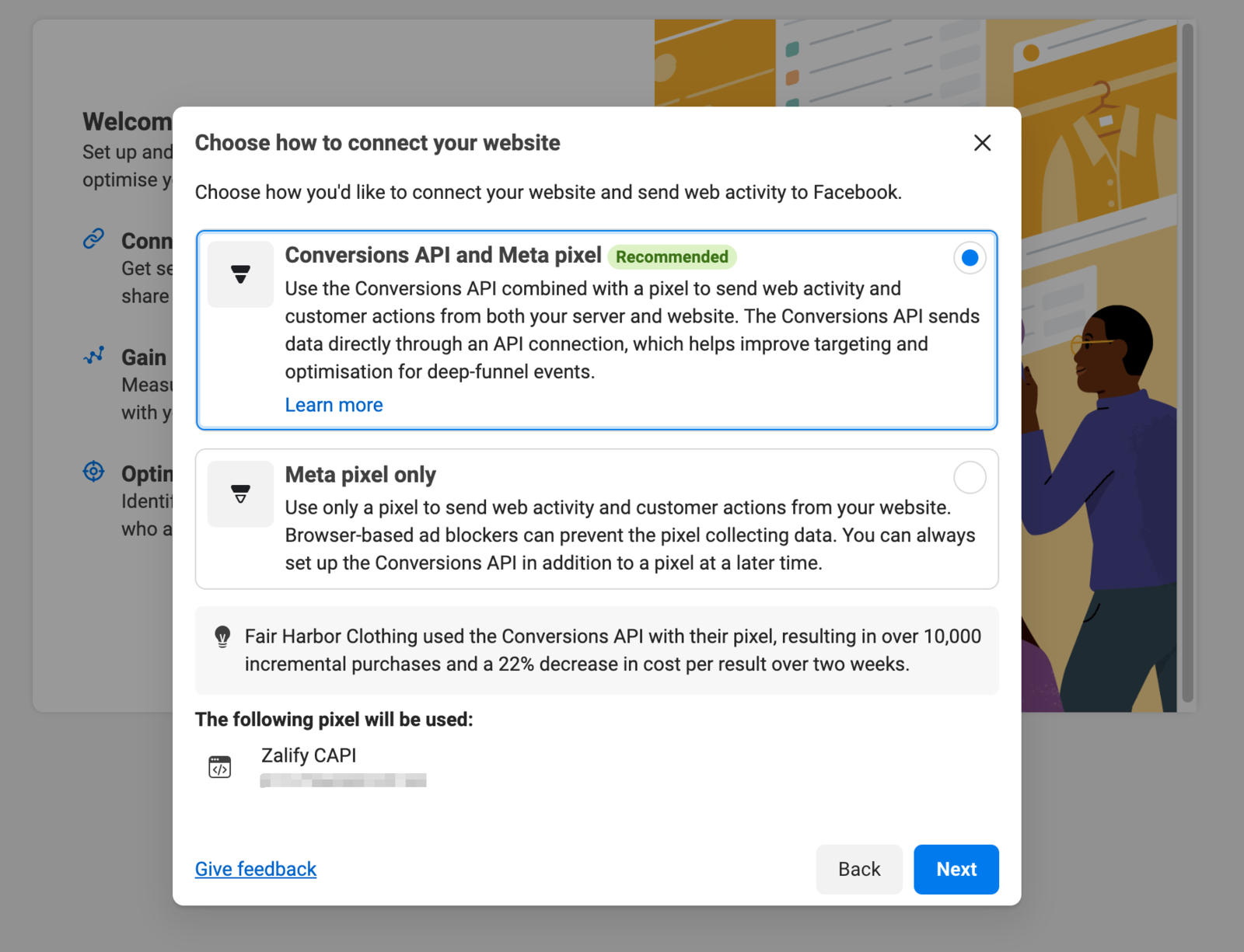
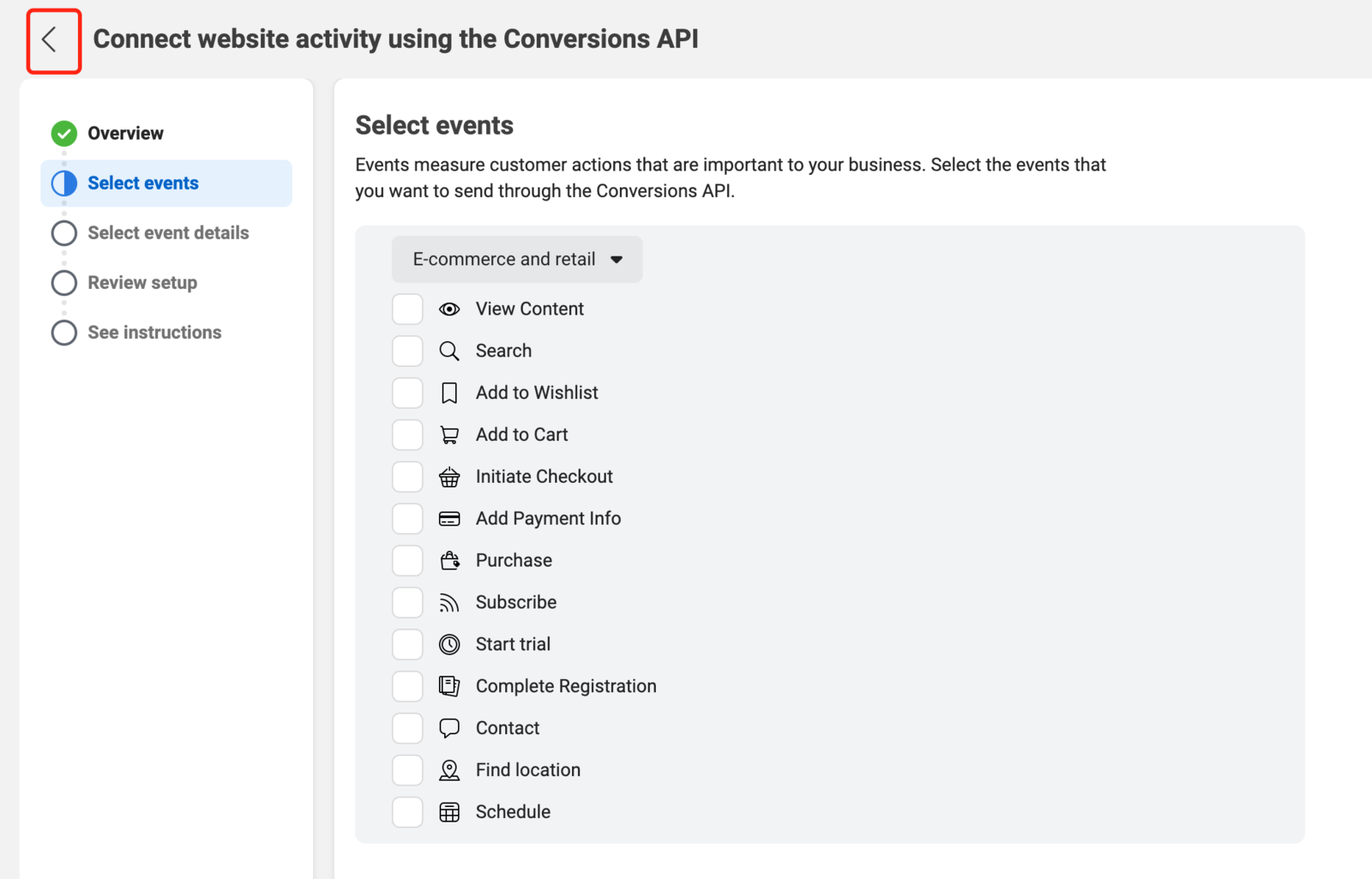
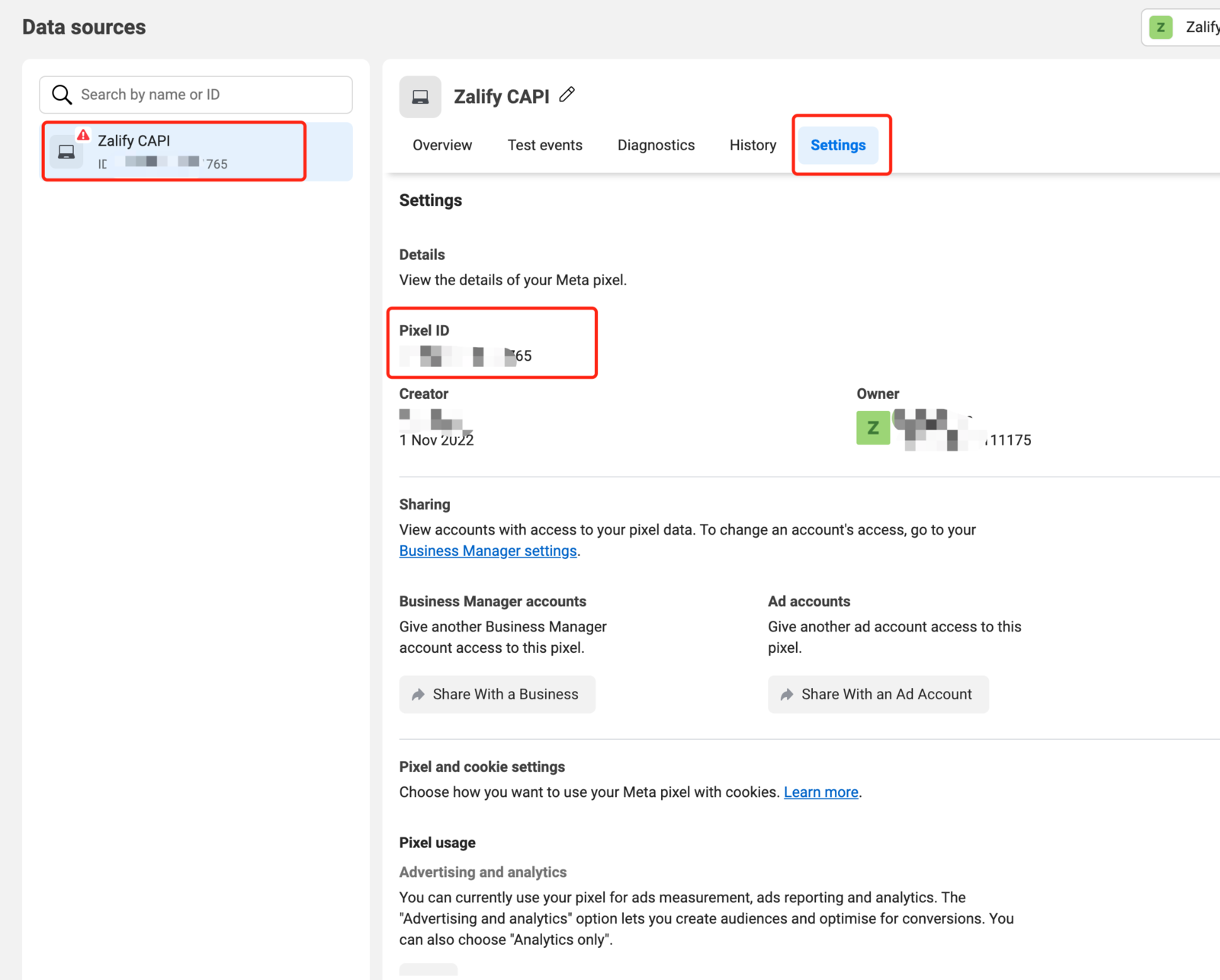
- Copy your Pixel ID 🎉
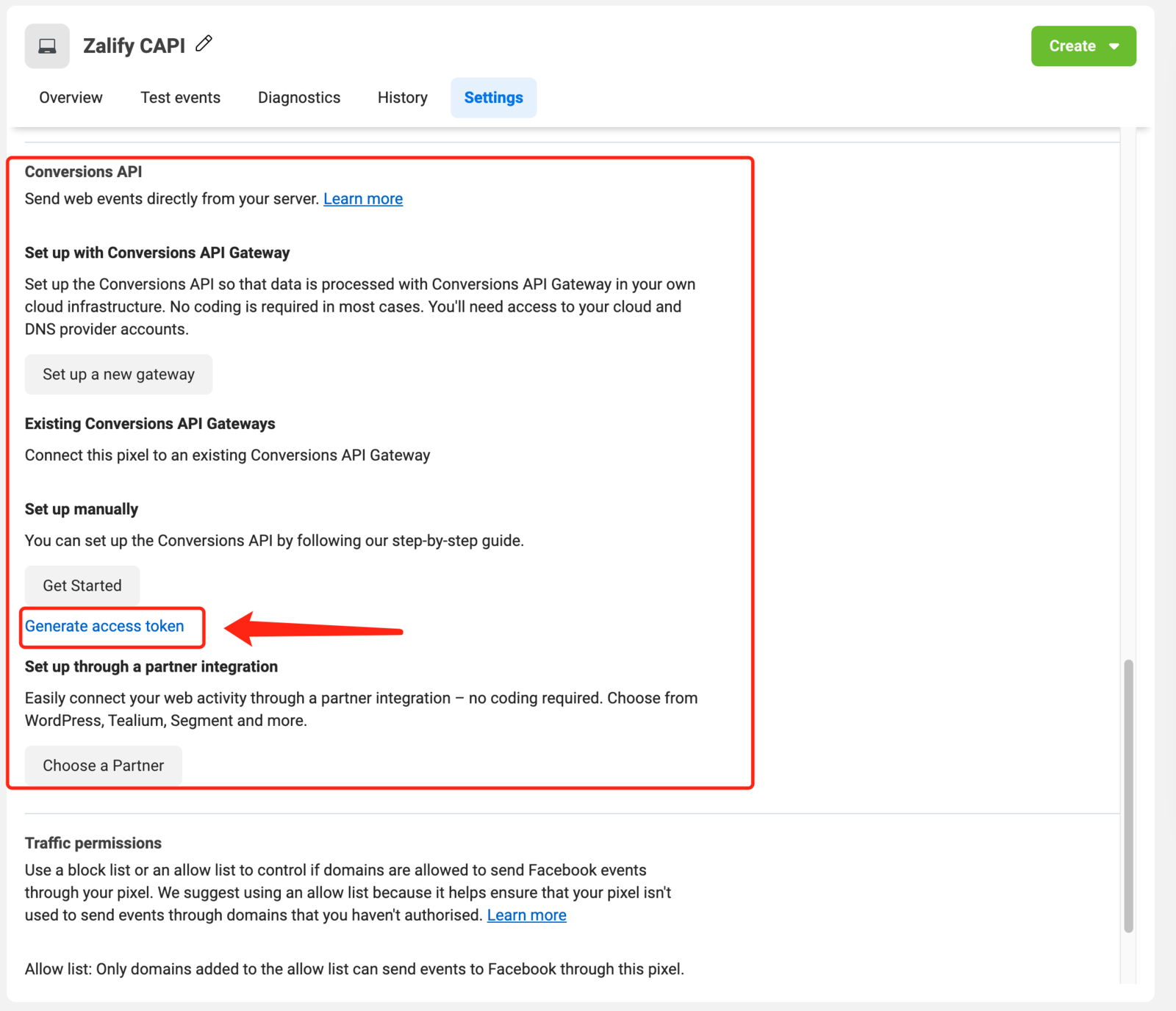
- Generate your access token 🎉